
I-16For instructors
Reports about your own students
Roster, study hours, a daily hours log, test results and sign-in history for the students you teach, to download or print.
How-to video I-16 · 0:35
Read the words of this video
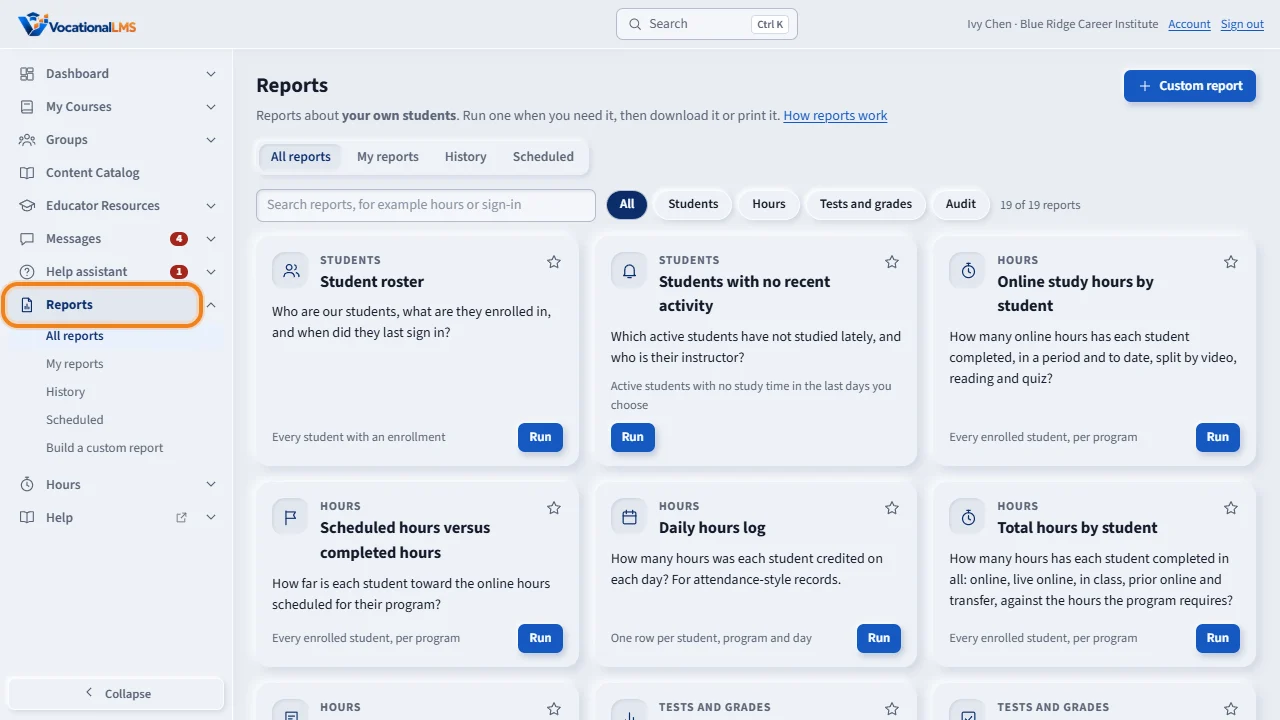
Reports, in the menu on the left, has standard reports about your own students: the students of the programs you teach. You never see another instructor's students here.
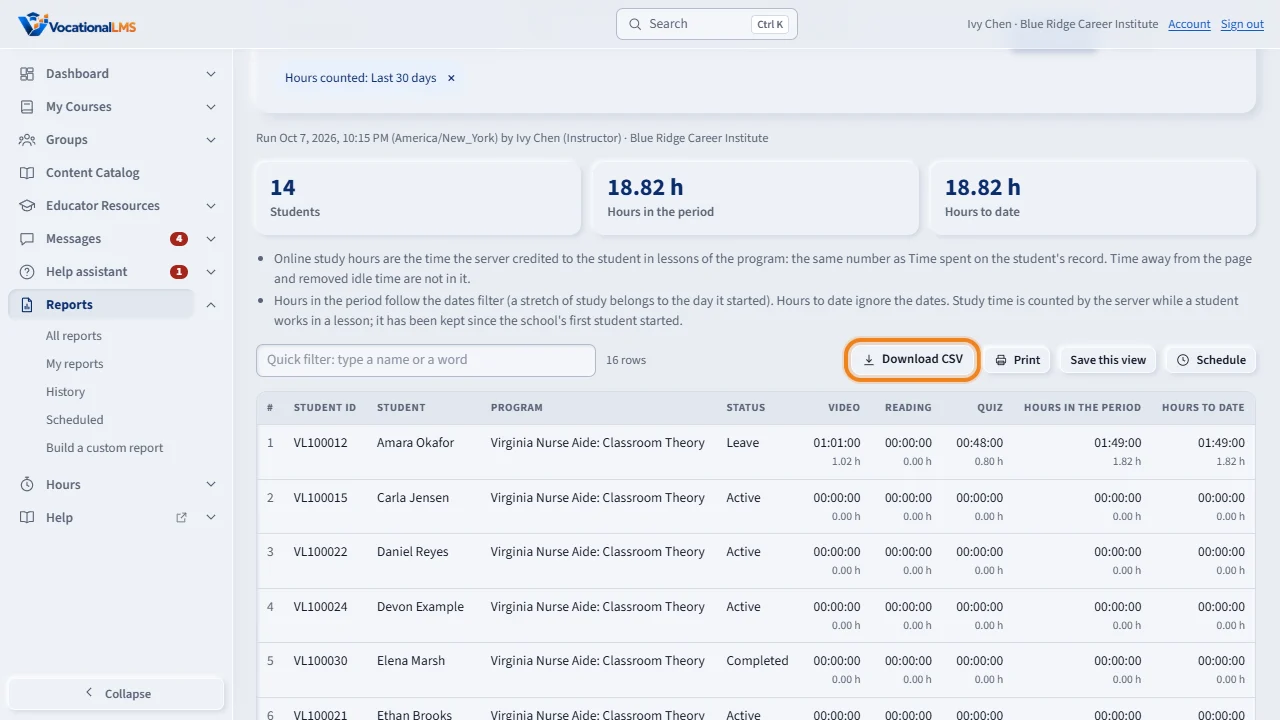
Click Run on a card, choose the dates, and click Run report. These are the same hours as on each student's record. Click Download C S V for Excel, or Print. Students with no recent activity lists the students who have not studied lately, and the Daily hours log gives one row per student and day.
Open this in VocationalLMSReports > All reports
What it is for
Reports in the menu on the left has standard reports about your own students: the students of the programs you teach, and students who have you as their own instructor. You never see another instructor's students here.
Steps
- Click Reports in the menu on the left. Each card is one report.
- Click Run on a card, for example Online study hours by student. Choose the dates and click Run report.
- Students with no recent activity lists your active students who have not studied in the last 7 days (you can change the number).
- Daily hours log gives one row per student and day, for attendance-style records. It needs a first and a last date, at most 92 days apart.
- Test and quiz results, Gradebook by test and Missing tests show scores and the tests your students still owe.
- Sign-in history shows when your students signed in and out, with the IP address and device.
- Click Download CSV for Excel, or Print. Click the star on a card to keep it under My reports; Save this view keeps your filters.
- Schedule emails a report about your students to you by itself, and Custom report builds your own report from a list of columns (A-33). You save custom reports to your own Personal library.
What happens next
The hours are the same hours as Time spent on the student's record. History shows the reports you ran yourself. Your School Admin can see that you ran a report, but not its rows. What is recorded for a sign-in: the time, the IP address, the device and whether it worked; sign-outs are recorded only since this report was added.
Common problems
| # | Problem | What to do |
|---|---|---|
| 1 | A student is missing. | You see students of the programs you are assigned to. A student who has a different instructor of their own is theirs. Ask your School Admin (A-03). |
| 2 | There is no Students by course report. | Whole-school reports are for the School Admin and Director. |
| 3 | Scheduled hours says “Not set”. | No online hours are set for that program. Ask your School Admin. |