
V-66For the VocationalLMS Super Admin
Narration voice: ElevenLabs or Kokoro (free, on the server), for lessons and for mind map videos
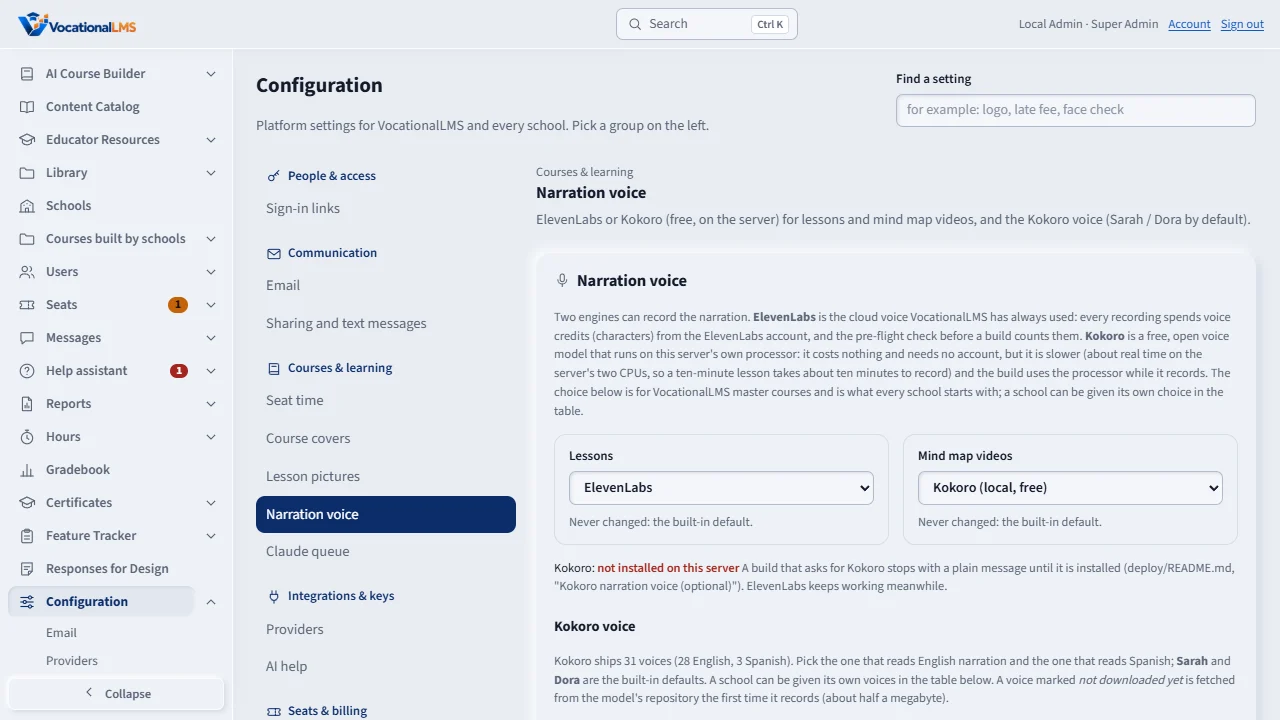
Configuration > Narration voice chooses which engine records the narration: ElevenLabs (voice credits) or Kokoro, a free voice that runs on the server's own processor. One choice for lessons, one for mind map videos, and each school's own choice.
How-to video V-66 · 0:38
Read the words of this video
Open Configuration, Narration voice. Under Lessons choose ElevenLabs, which spends voice credits, or Kokoro, a free voice that runs on our own server.
Do the same under Mind map videos. Each choice saves the moment you pick it, and a line says who changed it last and when.
Under Kokoro voice, pick the English voice, Sarah to start, and the Spanish voice. Kokoro is slower, about real time, and records one clip at a time.
Open this in VocationalLMSAI Course Builder > a course > Narration for this course
Who can do this: The VocationalLMS Super Admin. A school cannot change this itself yet; the Super Admin sets a school's choice in the table.
What it is for
Until now every narration was recorded at ElevenLabs, and every recording spent voice credits (characters) from that account. Now a second engine is available: Kokoro, an open voice model (Kokoro-82M) that runs on the VocationalLMS server's own processor. It costs nothing and needs no account or key, but it is slower: the server has two processors and records one Kokoro clip at a time, at about real time (a ten-minute lesson takes about ten minutes to record), and the build uses the processor while it records. The Super Admin chooses an engine for Lessons (every lesson video: Write + voice + build videos, Finish videos, Resume build, Build video on one lesson) and one for Mind map videos (the visual guides). VocationalLMS starts with ElevenLabs for lessons and Kokoro for mind map videos. The choice governs VocationalLMS master courses and is what every school starts with; each school can be given its own choice (Follow VocationalLMS, ElevenLabs or Kokoro) in the table on the same tab. Kokoro ships 31 voices of its own (28 English, American and British, among them Sarah, Heart, Bella, Nicole, Adam, Michael, Emma and George; 3 Spanish: Dora, Alex and Santa). The same tab chooses the Kokoro voice that reads English narration and the one that reads Spanish: Sarah (af_sarah) and Dora (ef_dora) are the built-in defaults, the owner's choice of November 11, 2026, and each school can be given its own voices in the table. Nothing already recorded is recorded again when the engine or the voice changes.
Steps
Choose the engine
- Open Configuration › Narration voice.
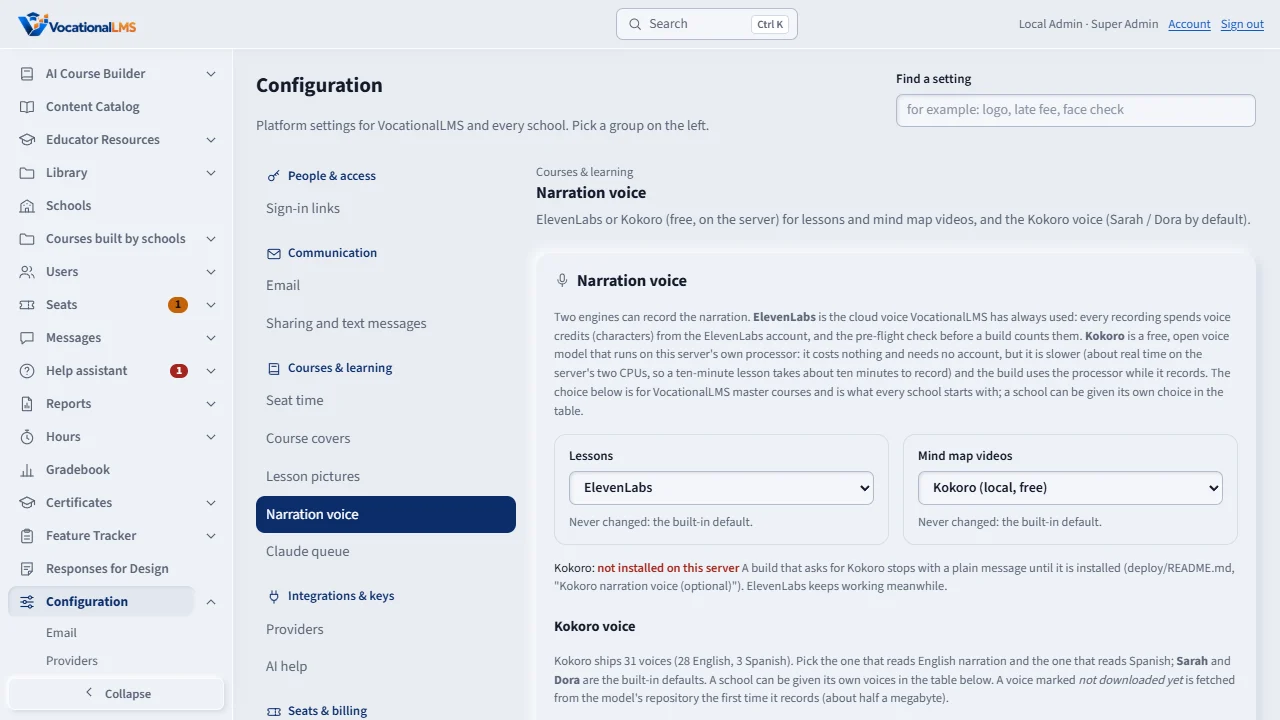
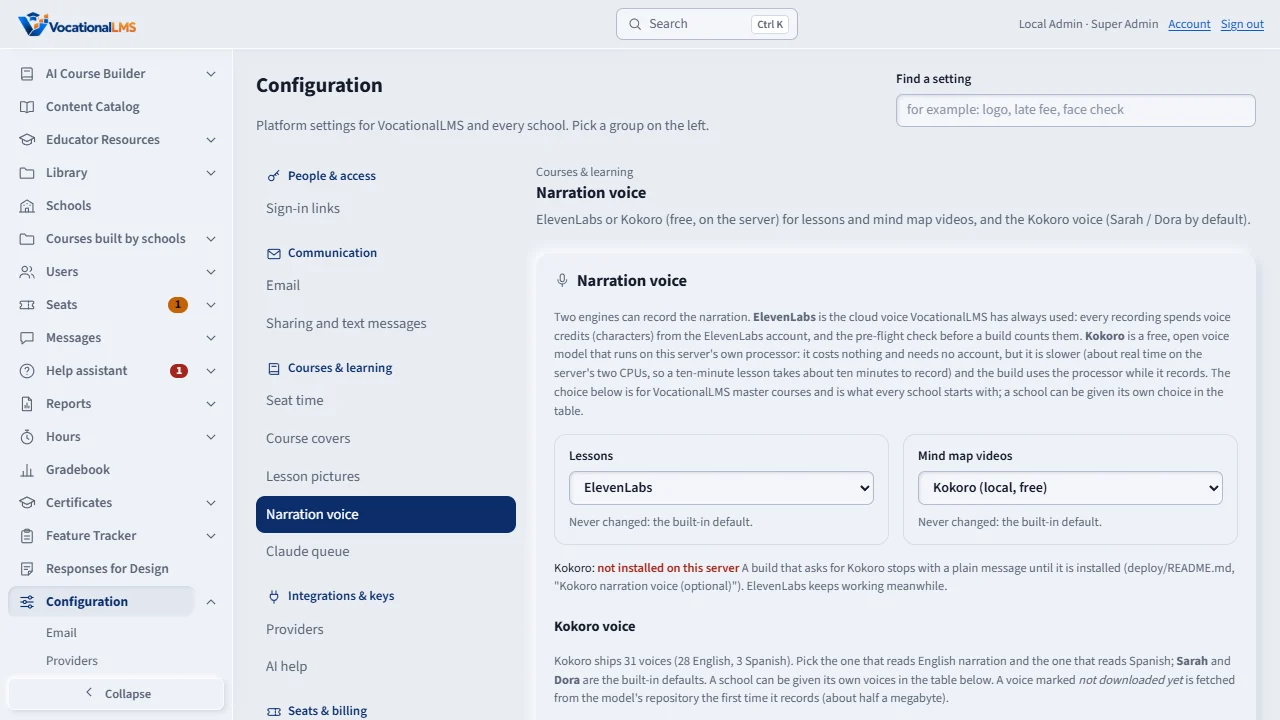
- Under Lessons choose ElevenLabs or Kokoro (local, free); the same under Mind map videos. Each choice is saved the moment you pick it, and the line under it says who changed it last and when.
- The line Kokoro: installed on this server or not installed on this server says whether the free voice can record here. When it is not installed, a build that asks for Kokoro stops with the plain message Kokoro is not installed on this server; ElevenLabs keeps working. The install steps are in deploy/README.md (Kokoro narration voice).
Choose the Kokoro voice
- Under Kokoro voice, pick the voice for English narration (Sarah is preselected) and the one for Spanish (Dora is preselected). Every voice the model ships is in the list with its gender and accent; one marked not downloaded yet is fetched the first time it records (about half a megabyte).
- Each pick is saved at once and the line under it says who changed it last. The voice is used by every Kokoro recording that follows: the mind map videos (Add mind map videos, Build video), and lessons when Kokoro is their engine.
Narration for one course only
- Open the course page of a VocationalLMS master course and click Narration for this course (Super Admin only).
- Under Engine choose Follow the platform (ElevenLabs) (what every course does until you change it), ElevenLabs or Kokoro (local, free). With Kokoro, pick the English voice under Kokoro voice, or leave Default English voice.
- Each pick is saved at once. In force now names the engine and voice the next voice-over of this course will use, and the line under it says who changed it last. Only this course changes: every other course and school keeps its engine, and recordings already made are kept. A Kokoro course keeps recording when the ElevenLabs characters are used up.
A school's own choice
- In Each school, pick Follow VocationalLMS, ElevenLabs or Kokoro for the school's lessons and for its mind map videos. In force shows what a build for that school would use right now; Last changed who set it.
- The two Kokoro voice columns give the school its own English and Spanish voice, or Follow VocationalLMS (the voice chosen above, named in the option).
- A school that follows VocationalLMS changes with the platform's choice above; a school with its own choice keeps it.
What happens next
Builds that start after the change record with the new engine. ElevenLabs recordings still count against the account's characters and the pre-flight check (V-55); Kokoro recordings cost nothing and appear in no provider bill. A missing Kokoro install is never a provider stop, so no alert or email is sent for it: the job's message says what to install.
Common problems
| # | Problem | What to do |
|---|---|---|
| 1 | The build says Kokoro is not installed on this server. | Install it with the commands in deploy/README.md under Kokoro narration voice (optional), or switch the engine back to ElevenLabs on this tab and click Resume build. |
| 2 | Kokoro recordings take a long time. | By design: the free voice runs on the server's two processors, one clip at a time, at about real time. Choose ElevenLabs for a build that must finish quickly. |
| 3 | The Spanish version sounds wrong with Kokoro. | Spanish narration uses the Spanish Kokoro voice chosen on this tab (Dora unless changed); the list only offers Spanish voices for Spanish. If a course itself names an English Kokoro voice for its Spanish version, choose a Spanish one or switch that course to ElevenLabs. |
| 4 | The mind map video is read by a voice I did not expect. | The Kokoro voice is the school's own choice in the Each school table when it has one, otherwise VocationalLMS's choice under Kokoro voice (Sarah by default). Change it there and build the video again; the job's View details log names the voice each video used. |