
V-65For the VocationalLMS Super Admin
Stop a running job, and what happens when a provider runs out of credits
Every piece of AI work on a course (Spanish versions, Resume build, lessons, readings, tests, educator resources, pictures) has a Stop button. Work also stops by itself, naming the provider, when ElevenLabs, Anthropic or fal.ai has no credits left.
How-to video V-65 · 0:43
Read the words of this video
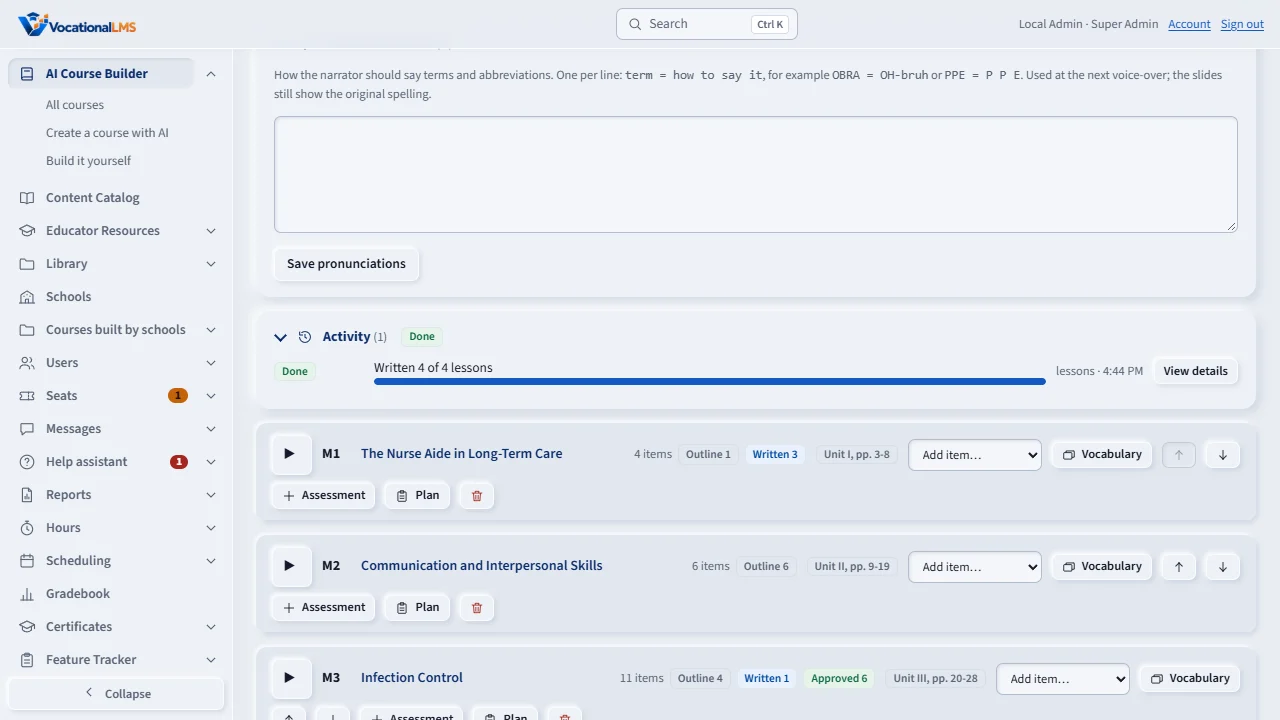
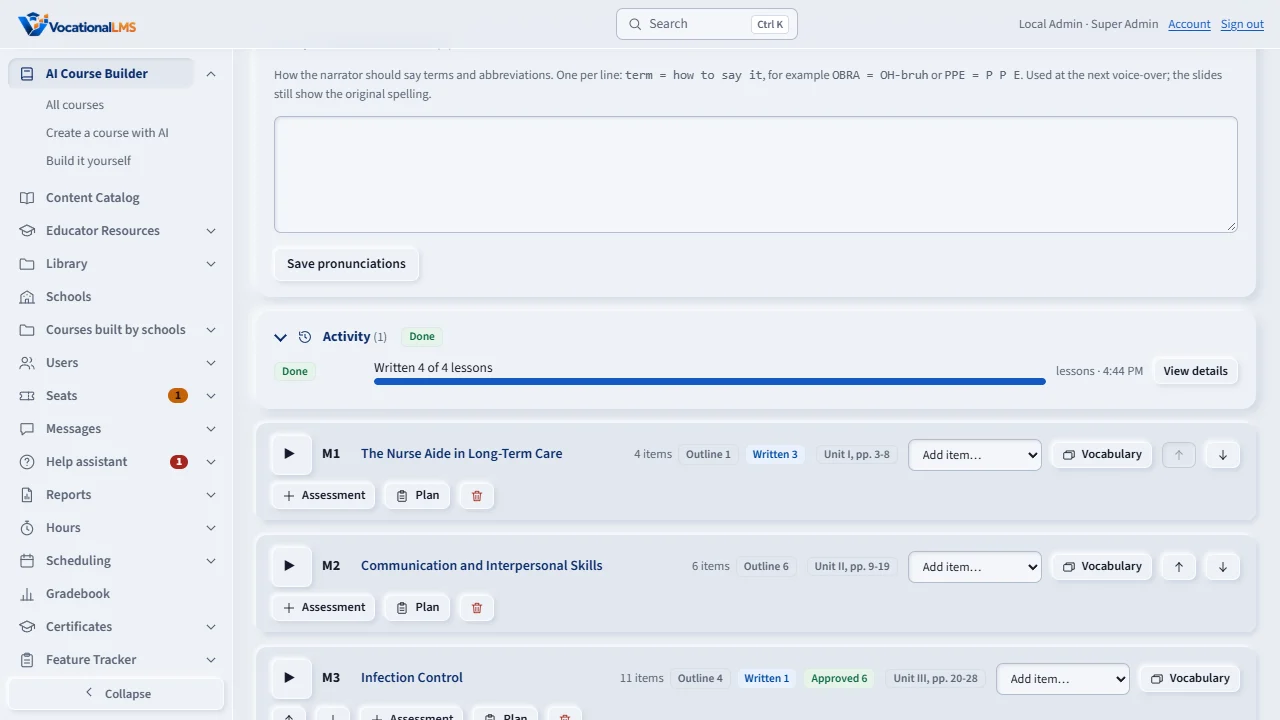
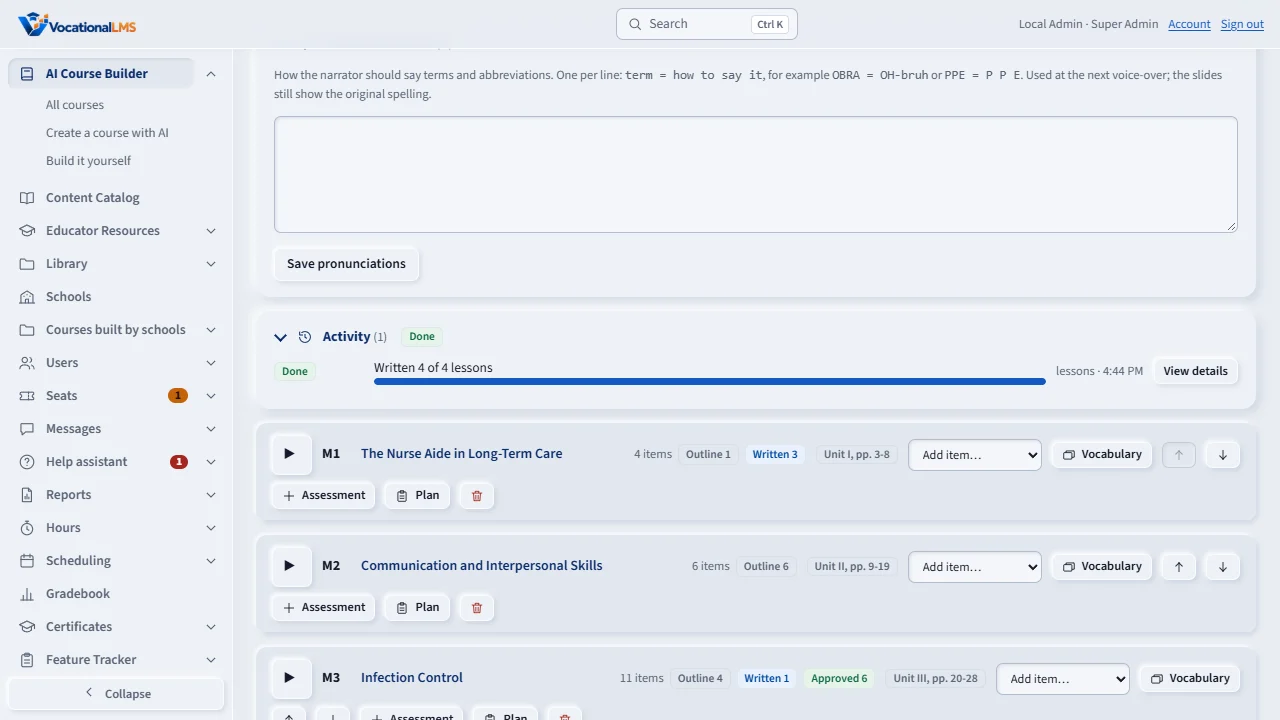
The Activity list shows a Stop button on every job that is waiting, running or paused. Stop is gentle: the lesson in progress is finished, and nothing is left half built. No job is running in this sample, so the button is not shown here.
If the voice, the AI writer or the picture service refuses because it has no credits, the job stops at that lesson with a plain message. Nothing bad is saved.
Add credits, then use Resume build. The job continues where it stopped. A provider alert clears itself when the provider works again.
Open this in VocationalLMSAI Course Builder > a course > Activity > Stop
Who can do this: The Super Admin on any course; a School Admin or Director on a course their own school builds (A-109).
What it is for
Until now the only way to stop a job was to edit the database. Now the Activity list of a course, and the yellow note Work is running now above it, show a Stop button on every job that is waiting, running or paused for a deploy. Stop is gentle: the lesson being made right now is finished (a Spanish translation in progress is dropped before it is saved, so nothing is half built), nothing new is started, and everything already made is kept. The job then reads Stopped by <your name> with the time in its details, and it is never started again by itself: not by an update, not by the deploy drain. To continue later, start the work again or click Resume build.
Steps
Stop a job
- Open the course and look at Activity. A job that is running has a red Stop button (also in the yellow note above the list).
- Click Stop. The page explains in plain words what will happen. Click Yes, stop it (or No, keep it running).
- The row says Stopping... until the lesson in progress is done (a minute or two), then the job shows Stopped and the buttons of the course come back. View details shows who stopped it and when.
When a provider runs out of credits
- If ElevenLabs (voice), Anthropic (the AI writer) or fal.ai (pictures) refuses because the account has no credits or the key is refused, the job stops at that lesson and says which provider and what to do (for example ElevenLabs has no credits left. Add credits at elevenlabs.io, then click Resume build). Nothing more is spent at the other providers for lessons that could not be finished.
- Make Spanish versions now checks ElevenLabs before Claude is paid to translate a lesson: if the characters left cannot cover even the next Spanish lesson, nothing is started and the page offers Continue anyway (the work still stops at the first real refusal). Resume build keeps its own Continue anyway exactly as before.
What happens next
A stopped job's work is kept. Resume build (provider stops) or the same button again (Make Spanish versions) continues with only what is not done.
Common problems
| # | Problem | What to do |
|---|---|---|
| 1 | I clicked Stop and it still says Stopping. | The lesson in progress is being finished; a lesson takes one to three minutes. The page updates by itself. If a job stays Stopping for more than ten minutes, tell VocationalLMS support. |
| 2 | The job stopped by itself and I did not click Stop. | A provider ran out of credits or refused the key. The row in Activity names it and says what to do; add the credits and click Resume build. |