
S-35For students
My grades and my transcript
Your module grades and course grade under your school's scale, the score of each item once it is released and the weighting rules. To get a printed transcript, ask your school office.
How-to video S-35 · 0:42
Read the words of this video
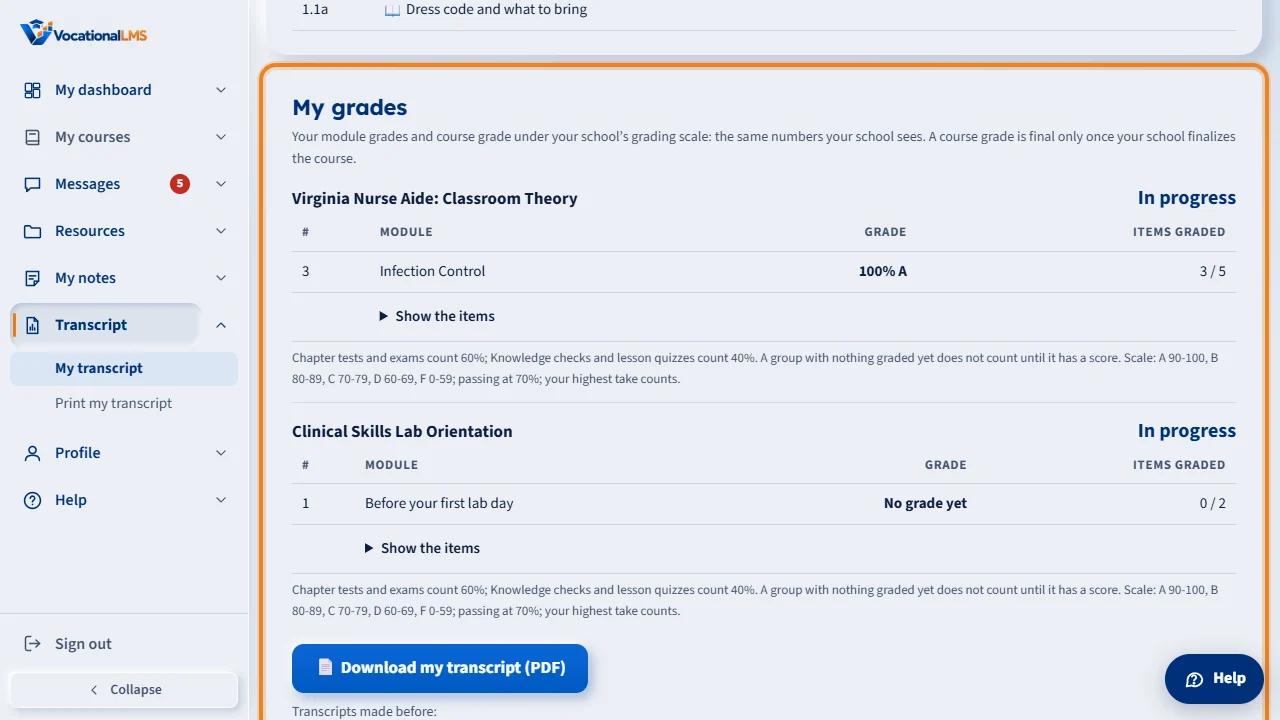
Your Transcript page has My grades: for each program, every module's grade as a percent and a letter under your school's scale, and the course grade, which says In progress until your school finalizes the course.
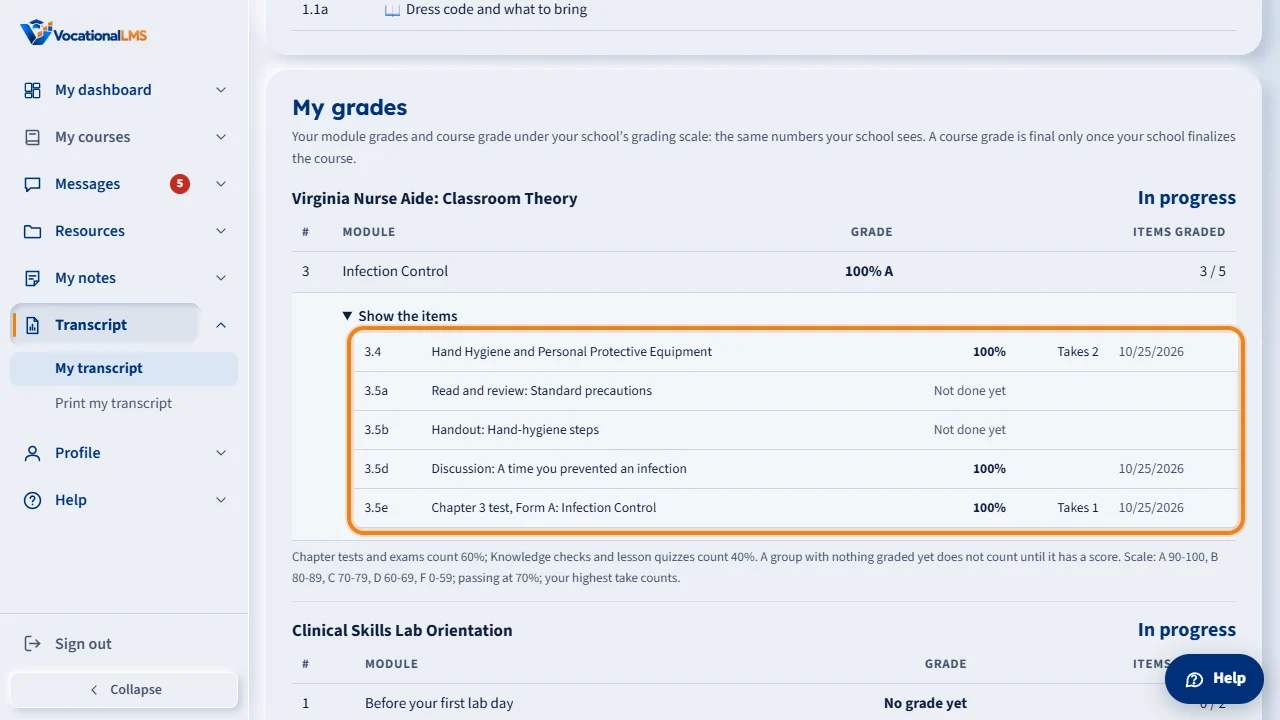
Click Show the items to see each quiz, test, post and reading with its score and your takes. Under the table, the rules are in plain words: how much tests and quizzes count, the scale and the passing mark.
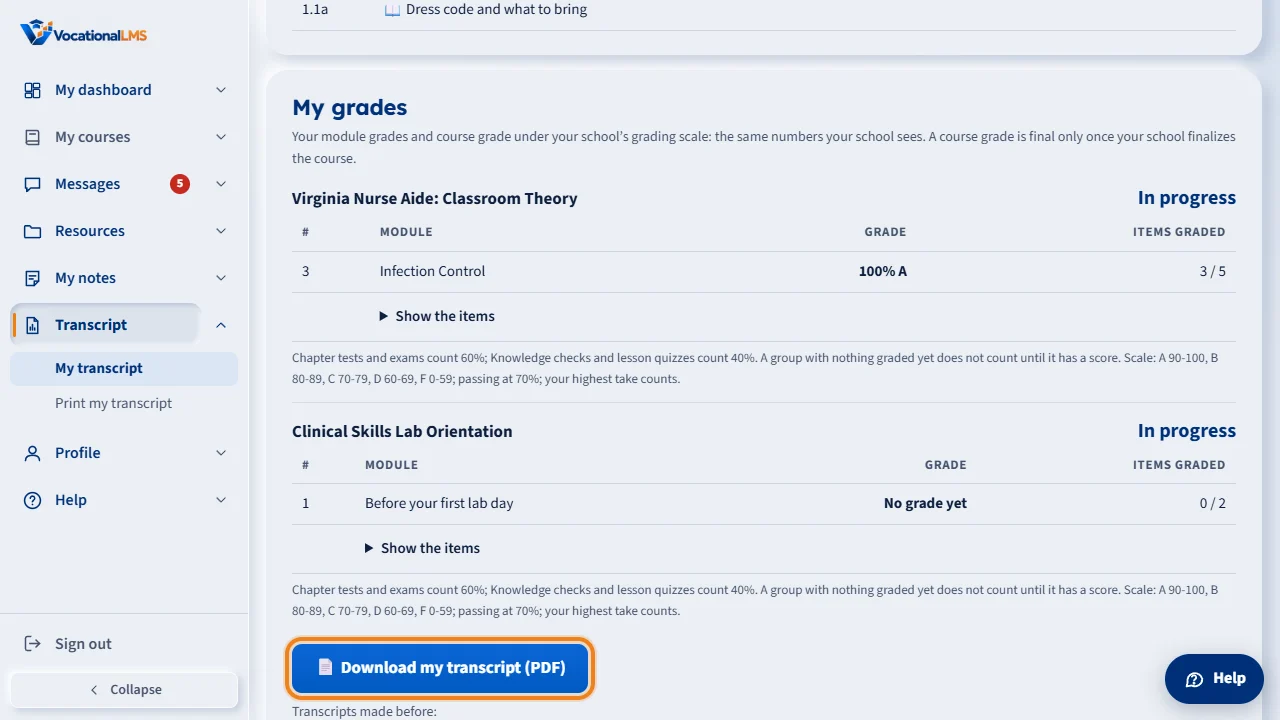
You cannot print or download a transcript yourself. To get a transcript, ask your school office.
Open this in VocationalLMSTranscript > My grades
What it is for
On your Transcript page, My grades shows, for each program, every module's grade (a percent and a letter under your school's scale), the score of each quiz, test, post and reading once your school releases it, and the rules in plain words: how much tests and quizzes count, the scale, the passing mark and which of your takes counts. The course grade says In progress until your school finalizes the course; then it shows your final grade. You cannot print or download a transcript yourself: only the school office prints transcripts, so ask the office for one. My dashboard shows one line per program with its course grade.
Steps
- Click Transcript in the menu on the left. My grades is under your completed items.
- Click Show the items under a module to see each item's score and your takes. “Not released yet” means your school shows that score later.
- Need a printed transcript? Ask your school office. This page has no print or download button, and printing it from the browser prints only a note.
What happens next
The numbers are the same ones your school sees in its Gradebook. A grade you see while the course runs is the average of what is graded so far (unless your school counts missing work as 0), so it can move.
Common problems
| # | Problem | What to do |
|---|---|---|
| 1 | My course grade says In progress. | Your school has not finalized the course yet. Your module grades are there in the meantime. |
| 2 | A score says Not released yet. | Your school releases that score on a date or when the course is finalized. |
| 3 | I need a transcript (official or not). | Ask your school office; only the school prints transcripts. Students cannot print or download them. |