
S-30For students
Your course's flashcard study guide
A turnable-page book of flashcards to self-test on a course, with a Download PDF option, when your school has turned it on.
How-to video S-30 · 1:03
Read the words of this video
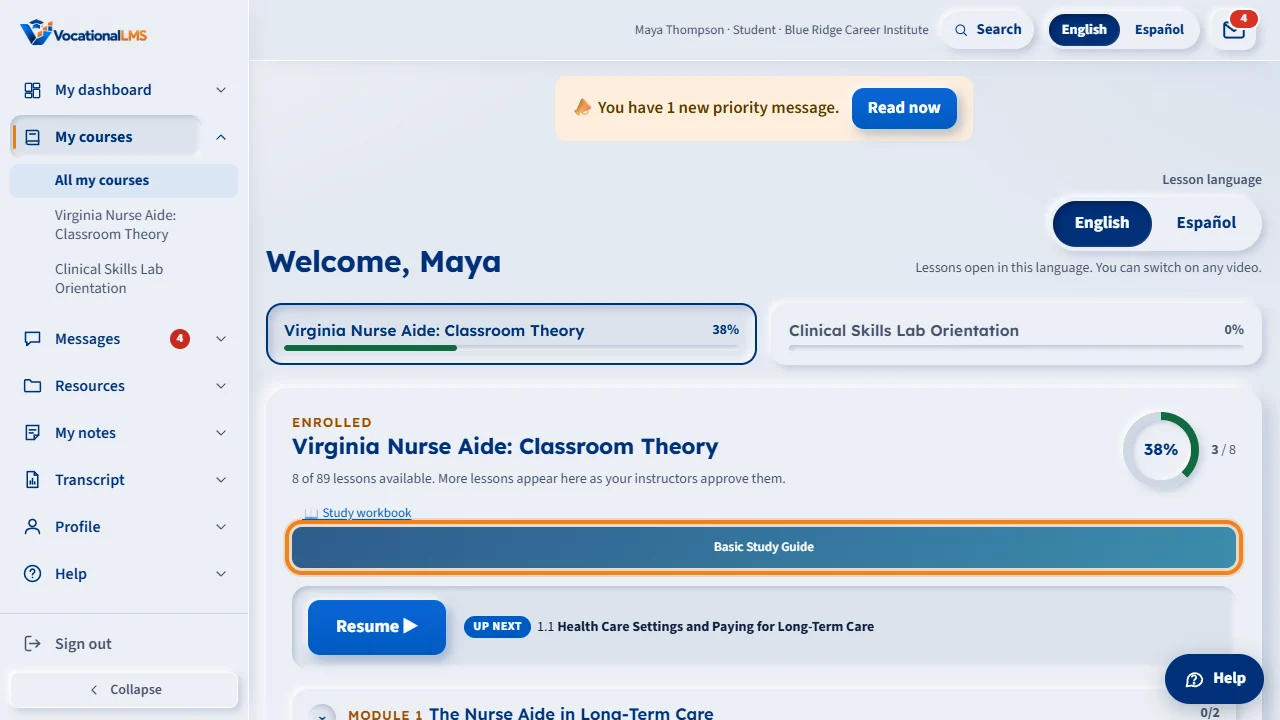
When a course has a Basic Study Guide, and your school has turned it on, you see a Basic Study Guide band right on that course's card in My courses, between its progress ring and the Resume button. Click it to open the study guide in a new tab.
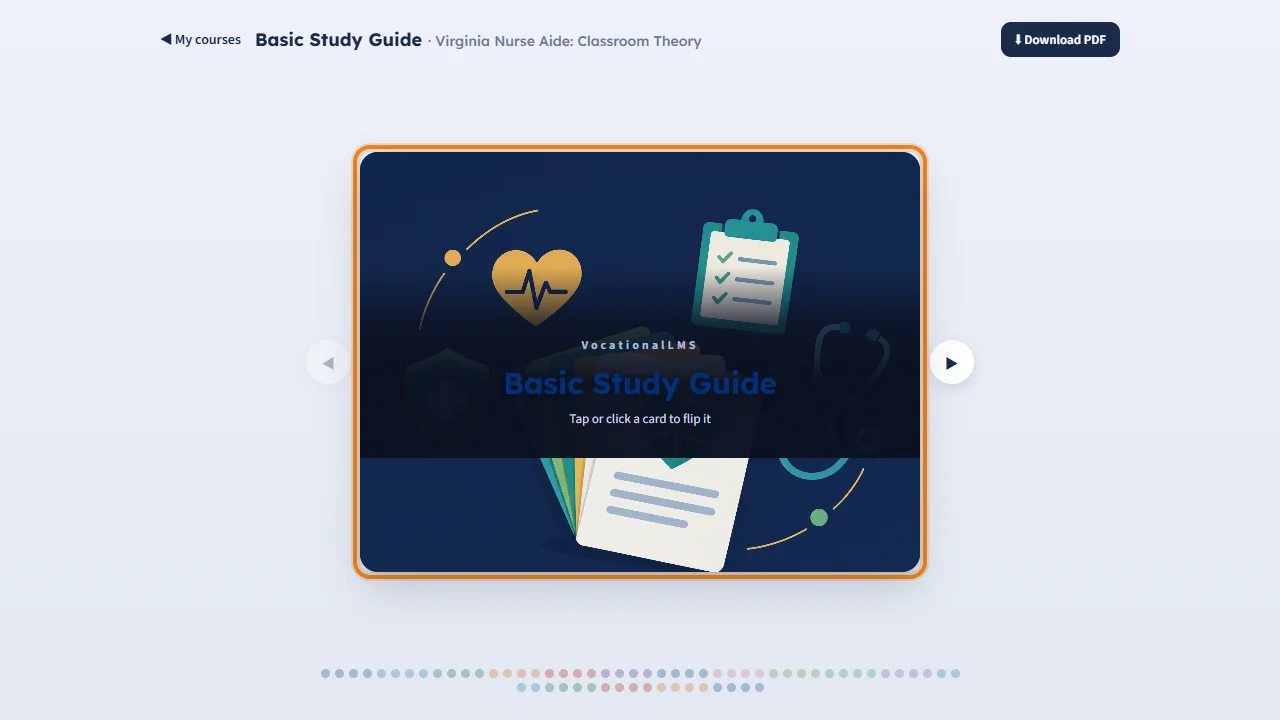
It opens like a real book, not a plain document: a designed cover page, then every chapter's cards in order, four cards for each chapter. Click the arrows on either side, or use your keyboard's left and right arrow keys, to turn the page.
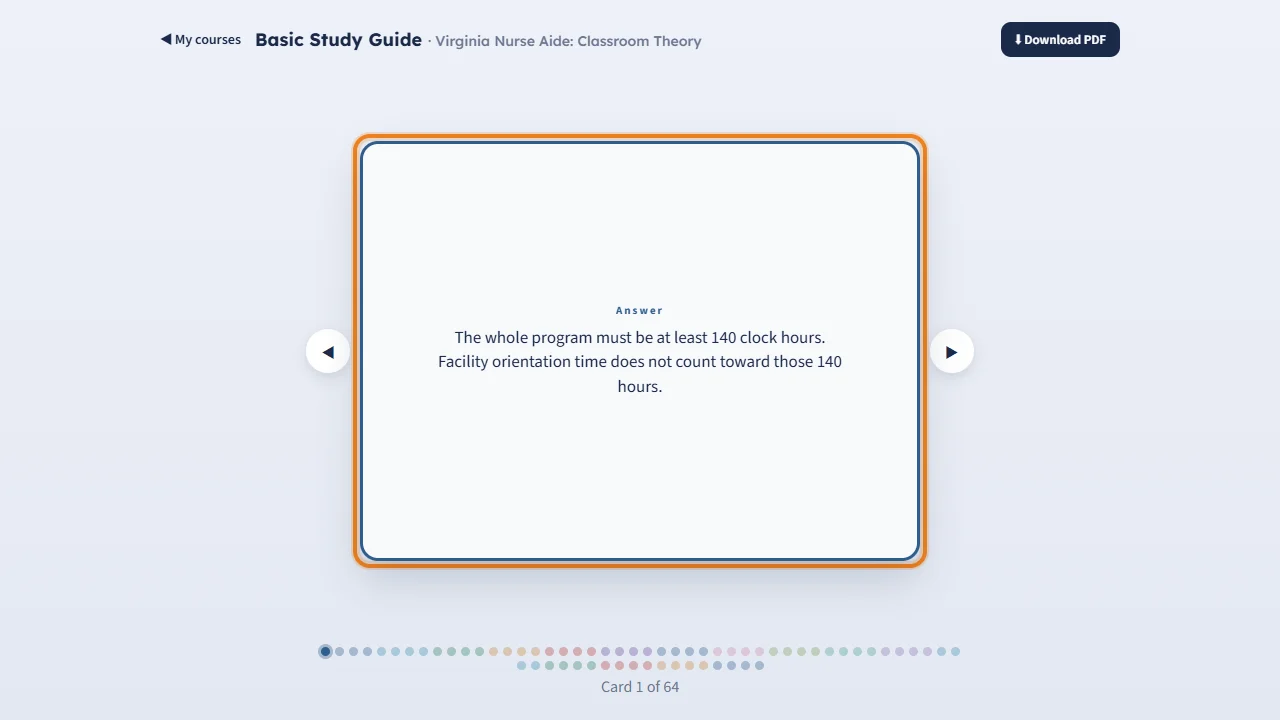
Each card opens showing its question. Click the card itself to flip it over and see the answer, the way you would turn over a real flashcard; click it again to flip it back. Nothing here is graded or added to your course hours: it is only for your own review, whenever you want to practice.
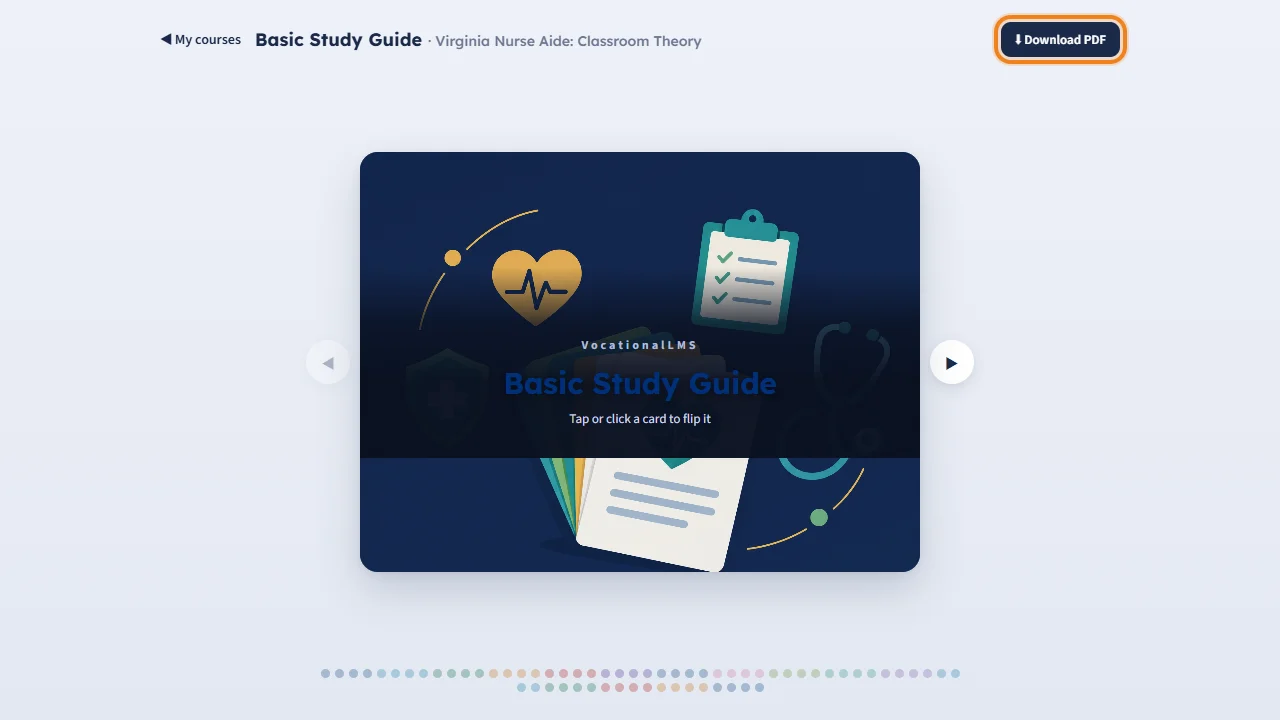
Click Download PDF at the top of the page any time to save the whole study guide as one file, so you can study it offline or print it out before an exam.
Open this in VocationalLMSMy courses > Basic Study Guide
What it is for
Some of your courses have a Basic Study Guide: flashcards to test yourself, four for each chapter, each with a question on the front and the answer on the back. You read it online like a real book you turn the pages of, or download it as a PDF to study offline. It only appears when your school has turned it on; nothing you do here is graded or counted toward your course hours.
Steps
- Open My courses. If a course has a Basic Study Guide, you see a Basic Study Guide band on its course card.
- Click it. It opens in a new tab: a cover page, then each chapter's cards in order.
- Click ▶ (or press the right arrow key) to turn the page; ◀ or the left arrow key turns back.
- Click a card to flip it over and see the answer; click again to flip it back.
- Click Download PDF at any time to save the whole study guide to study offline.
What happens next
Nothing here is graded, timed or added to your course hours: it is only for your own review. Your place is not saved between visits, but the chapter dots under the book let you jump straight back to where you were.
Common problems
| # | Problem | What to do |
|---|---|---|
| 1 | I don't see a Basic Study Guide band on my course card. | Either this course does not have one yet, or your school has not turned it on. Ask your instructor or School Admin. |
| 2 | The PDF won't open. | It opens in a new tab; check that your browser allows pop-ups for this site. |
| 3 | A card has no picture. | Its art has not been added yet; the question and answer are still correct and complete. |