
S-28For students
Your course's study workbook
Read a study workbook online, turning its pages like a real book, or download a PDF stamped with your own name.
How-to video S-28 · 0:42
Read the words of this video
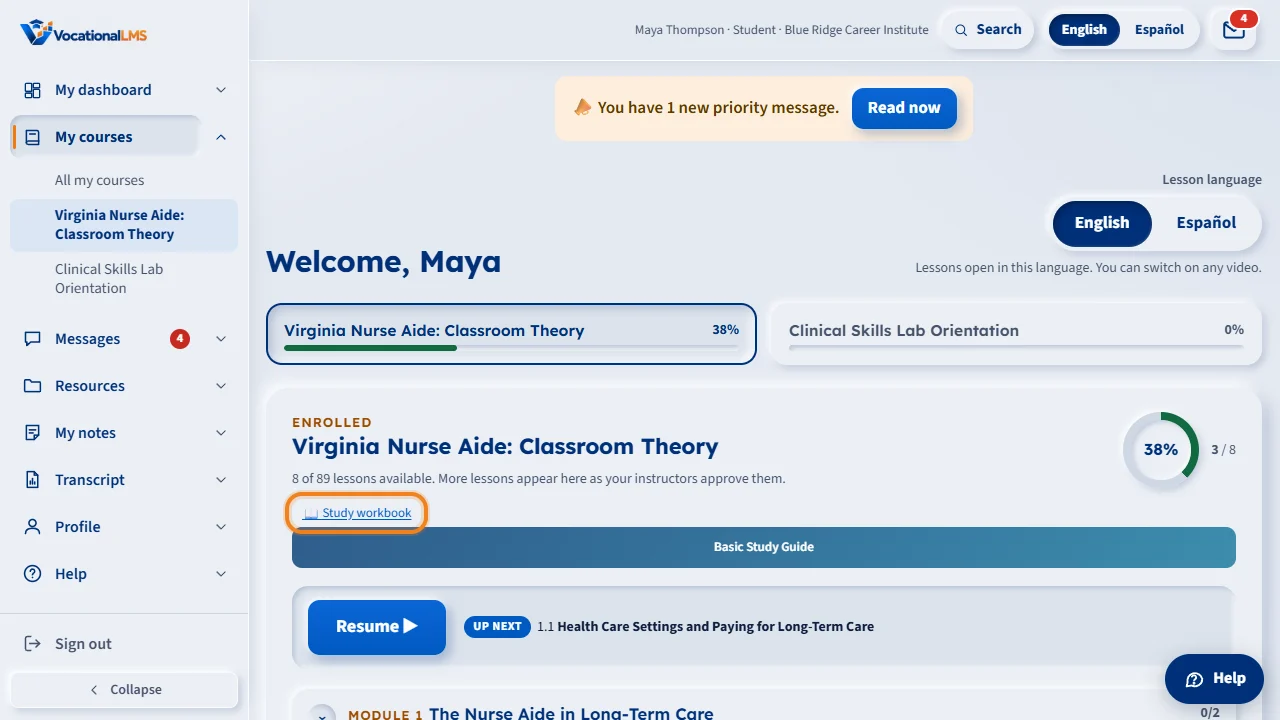
When your school turns this on, a course with a study workbook shows Study workbook right on its card, under My courses. Click it.
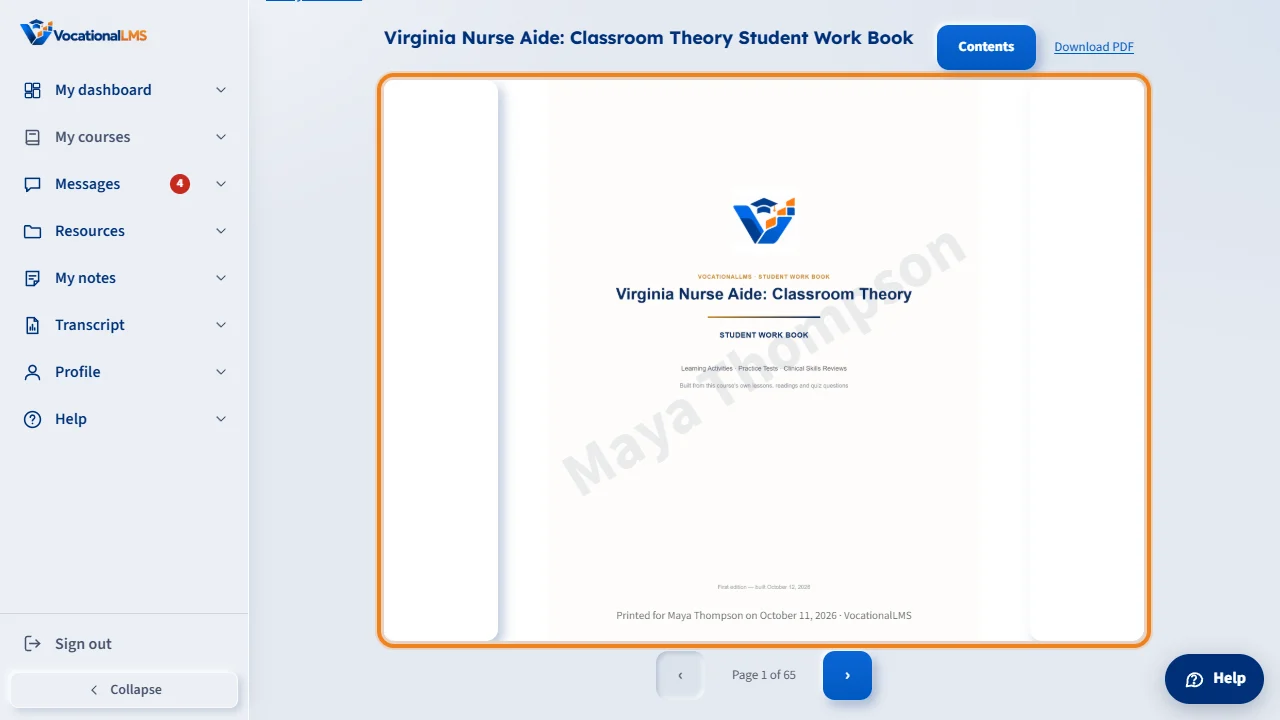
The cover page opens first, in a reader that feels like a real book: your course's own title, built from its own lessons.
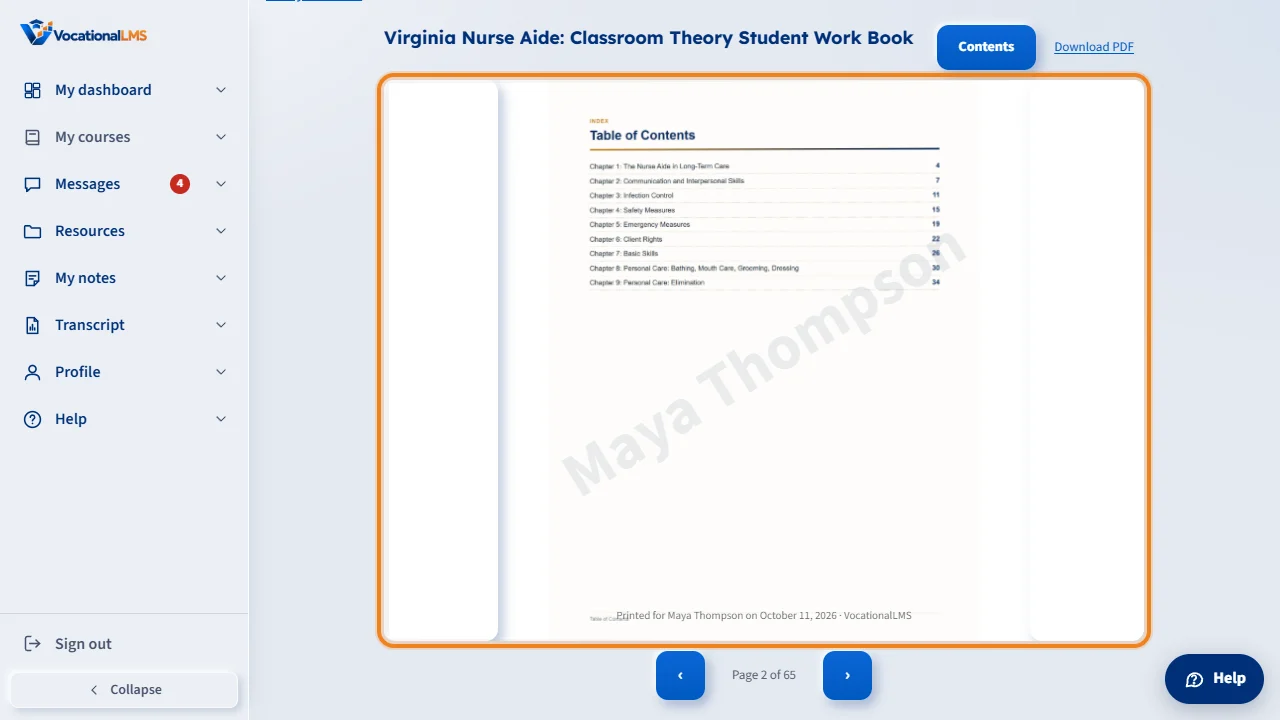
Click the arrows, or the edges of the page, to turn to the next page, just like a real book. Click Contents to jump straight to any chapter.
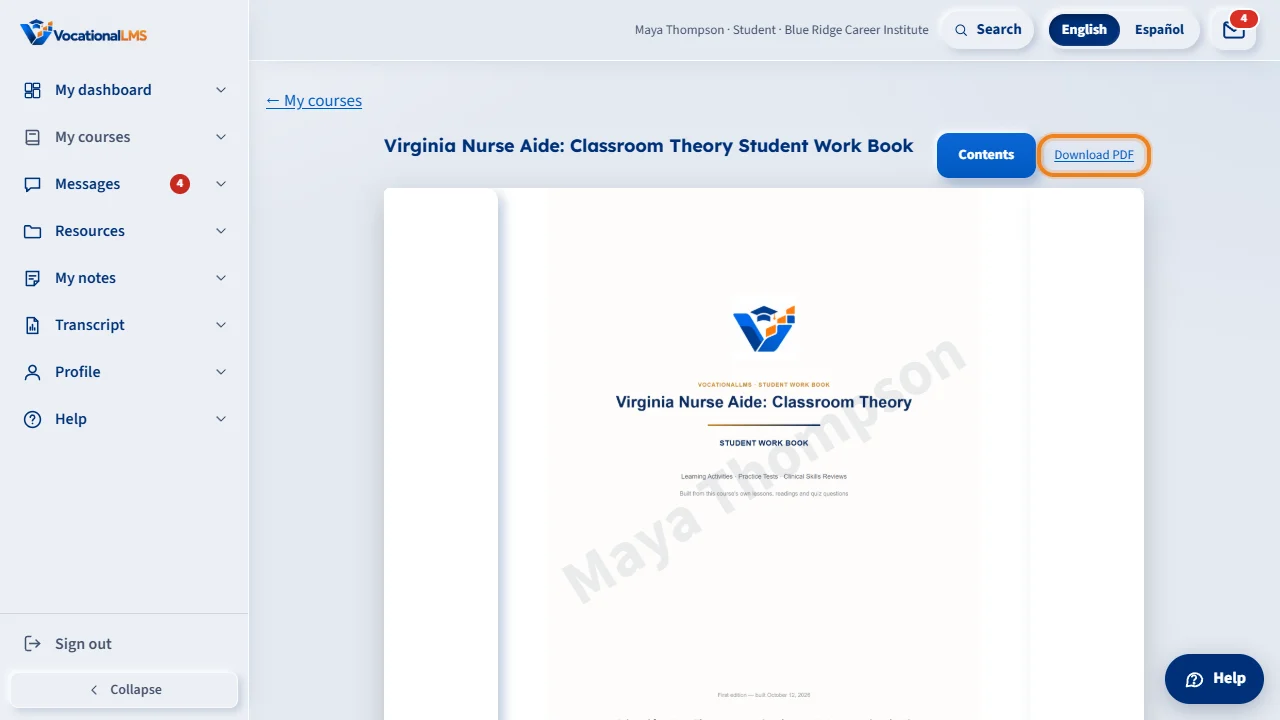
Download PDF gives you your own copy, stamped with your own name and today's date — nobody else's copy ever looks like yours.
Open this in VocationalLMSMy courses > Study workbook
Who can do this: Any student whose school has turned the switch on, for a course that has a workbook built.
What it is for
When your school turns it on, a course with a Student Work Book shows a Study workbook link right on its card, under My courses: learning activities, a practice test and, for some chapters, a clinical skills review, built from your course's own lessons and quiz questions. You can read it online, turning its pages like a real book, or download it as a PDF — your own copy, stamped with your own name.
Steps
Read it online
- Open My courses. A course that has a study workbook shows a Study workbook link on its card.
- Click it. The cover page opens first; click the arrows (or the edges of the page) to turn to the next or previous page, like a real book. On a phone, swipe or tap the sides instead.
- Click Contents to jump straight to any chapter.
Download your own copy
- Click Download PDF, at the top of the reader.
- Your copy is stamped with your own name and today's date, at the bottom of every page and faintly across the middle — nobody else's copy ever looks like yours.
What happens next
The book itself (its pages and chapters) is the same for every student; only the name on your OWN downloaded or printed copy is yours. If your course changes and the workbook is rebuilt, the next time you open it you see the new version.
Common problems
| # | Problem | What to do |
|---|---|---|
| 1 | I don't see Study workbook on my course. | Either your school has not turned this on yet, or this particular course has no workbook built yet. Ask your instructor or School Admin. |
| 2 | The pages won't turn. | On a narrow phone screen the page just swaps instead of animating — that is expected; use the arrows or swipe left and right. |
| 3 | My downloaded PDF doesn't show my name. | It is stamped fresh every time you click Download PDF, from your own signed-in account. Sign out and back in as yourself if you shared a computer. |