
A-112For School Admins and Directors
Cheat sheets on a lesson: write with AI, upload, edit, approve
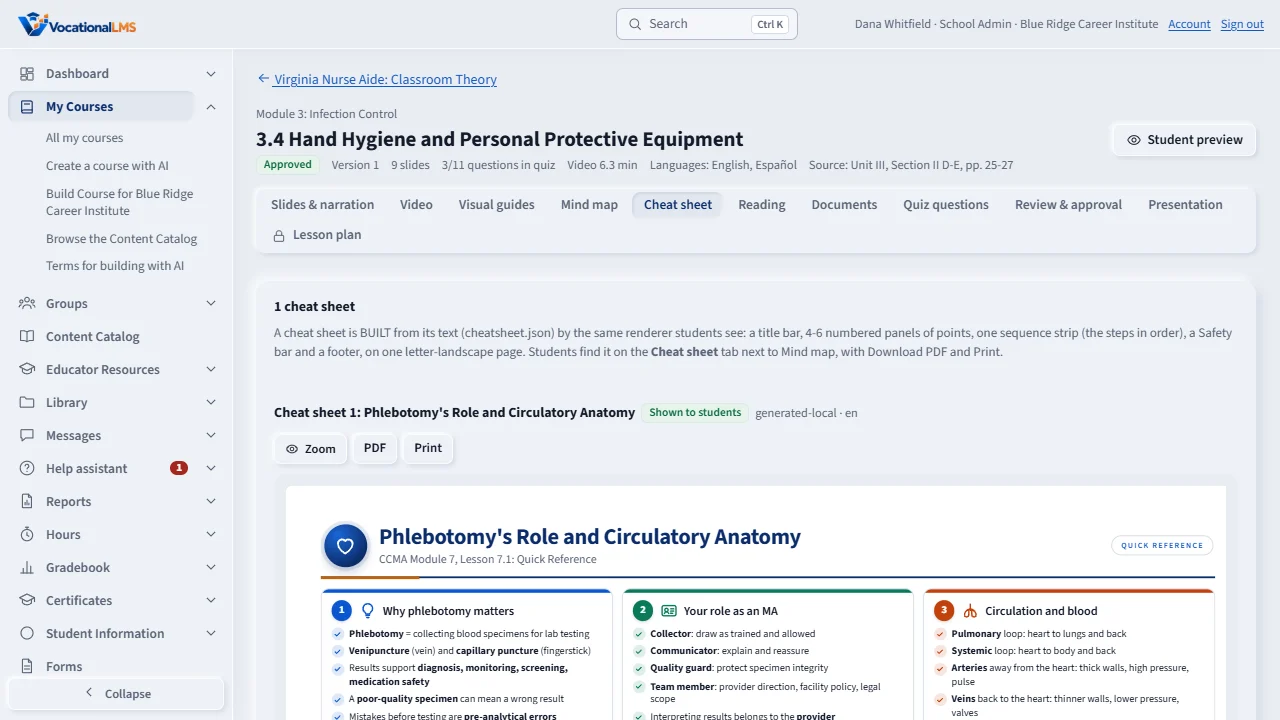
Give a lesson a one-page quick reference students see on the Cheat sheet tab, with Download PDF and Print. Write it with AI from the lesson's own slides, upload your own, edit the words, show or hide it; or add them to a whole course at once.
How-to video A-112 · 0:30
Read the words of this video
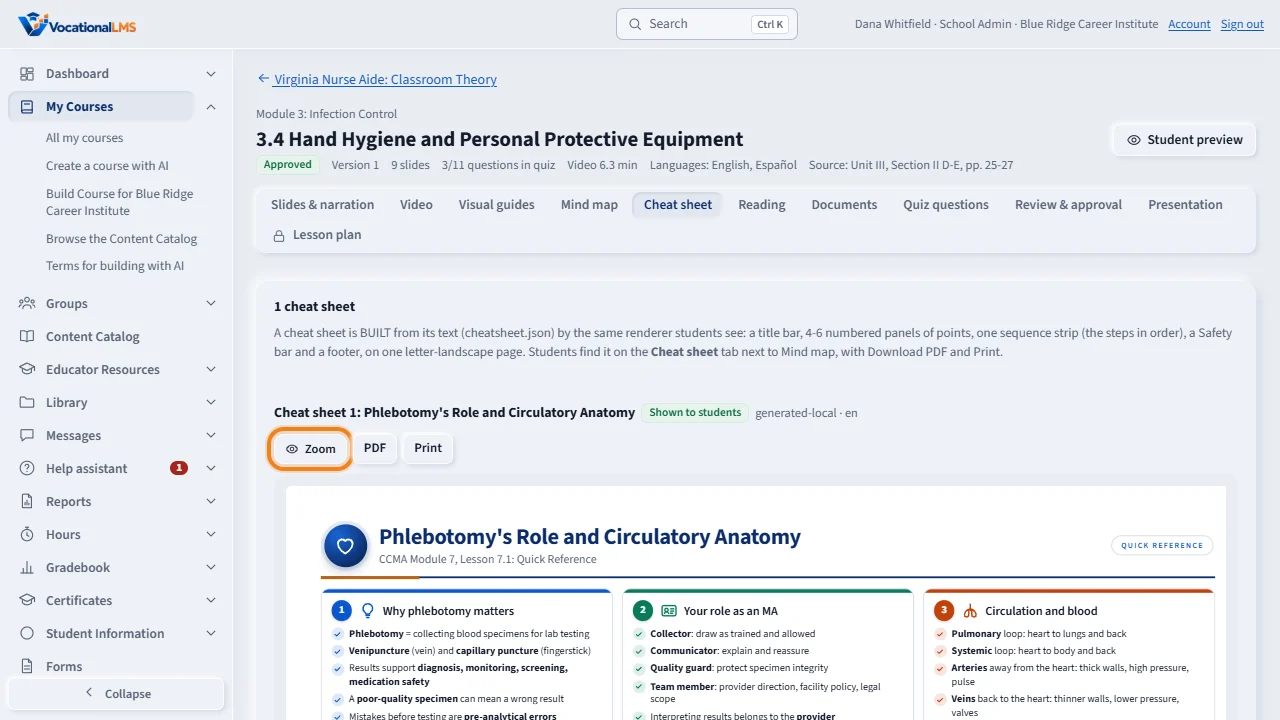
Open a lesson and click the Cheat sheet tab. Click Write with AI, or Upload my own.
Check the preview and the PDF. Edit text changes every panel, and the sheet redraws at once and always fits one page.
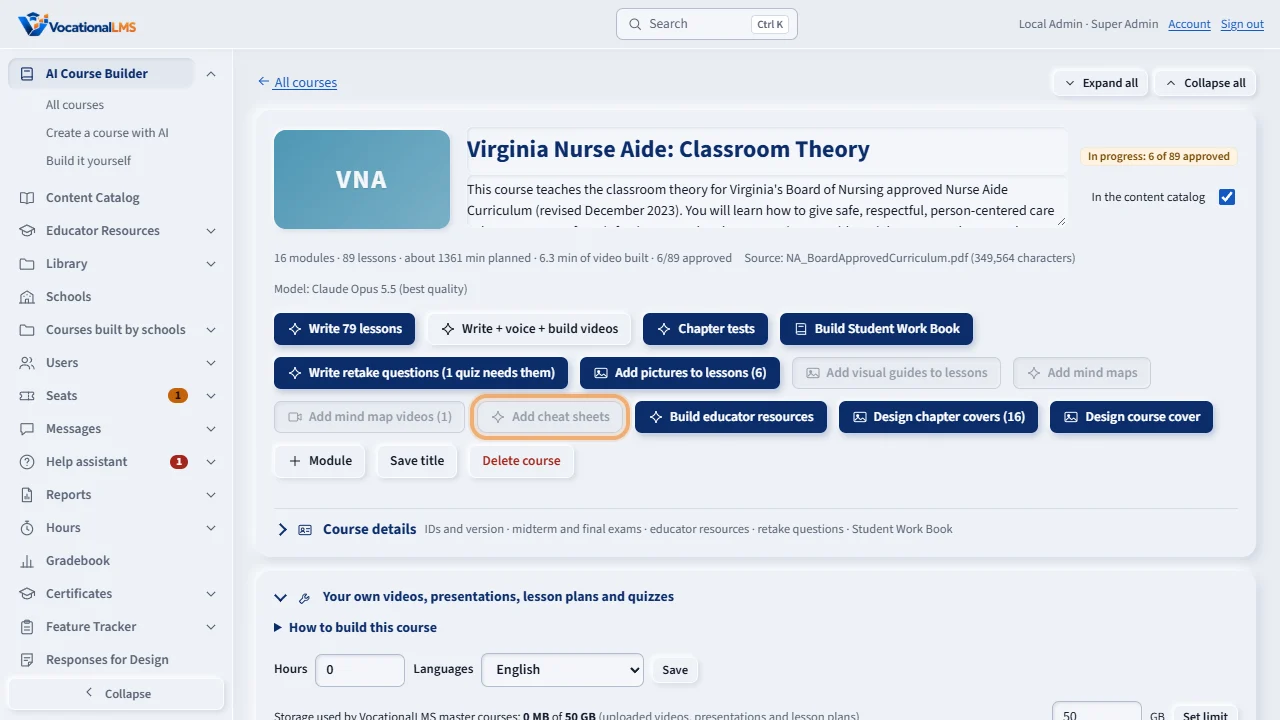
On the course page, Add cheat sheets writes one for every lesson that has none. A yellow panel shows the estimate first.
Open this in VocationalLMSAI Course Builder > a course > a lesson > Cheat sheet
Who can do this: The Super Admin on any course; a School Admin or Director on a course your own school built. Everyone who can open the lesson can look.
What it is for
A cheat sheet is built from its text (a small JSON file: title, icon, 4-6 panels of points, a sequence strip, safety lines, a footer) by the same renderer students see, so every word can be edited and it always fits one letter-landscape page.
Steps
One lesson
- Open the course, open the lesson, click the Cheat sheet tab.
- Click Write with AI (Claude writes it from this lesson's own slides, narration and reading; one AI call, the course's budget rules apply), or Upload my own (a cheatsheet.json, or a zip of it with its .webp pictures, as docs/visual-guides-contract.md describes).
- Check the preview and the PDF. Edit text changes the title, every panel, the strip, the safety lines and the footer; the sheet redraws at once. Hide keeps it as a draft; Show publishes it to students.
A whole course
- On the course page click Add cheat sheets: one sheet for every lesson with slides that has none, with the estimate; set a cap if you like and click Start. Stop it any time from the Activity list.
What happens next
Students see approved cheat sheets on the Cheat sheet tab next to Mind map. The PDF is drawn by the server the first time someone asks for it and again after every edit.
Common problems
| # | Problem | What to do |
|---|---|---|
| 1 | Write with AI is grey. | That lesson has no slides to write a sheet from (a produced video). Upload your own instead. |
| 2 | The upload was refused. | The message names the field: 4 to 6 panels, 1 to 7 points each, 2 to 8 strip steps, up to 6 safety lines, en or es, and every picture named must be in the zip. |