
A-108For School Admins and Directors
Autoplay the next chapter video: the school setting
Choose whether the next chapter video starts by itself when a video ends, and whether students may turn that off. On by default.
How-to video A-114 · 0:44 (the same video as A-114)
Read the words of this video
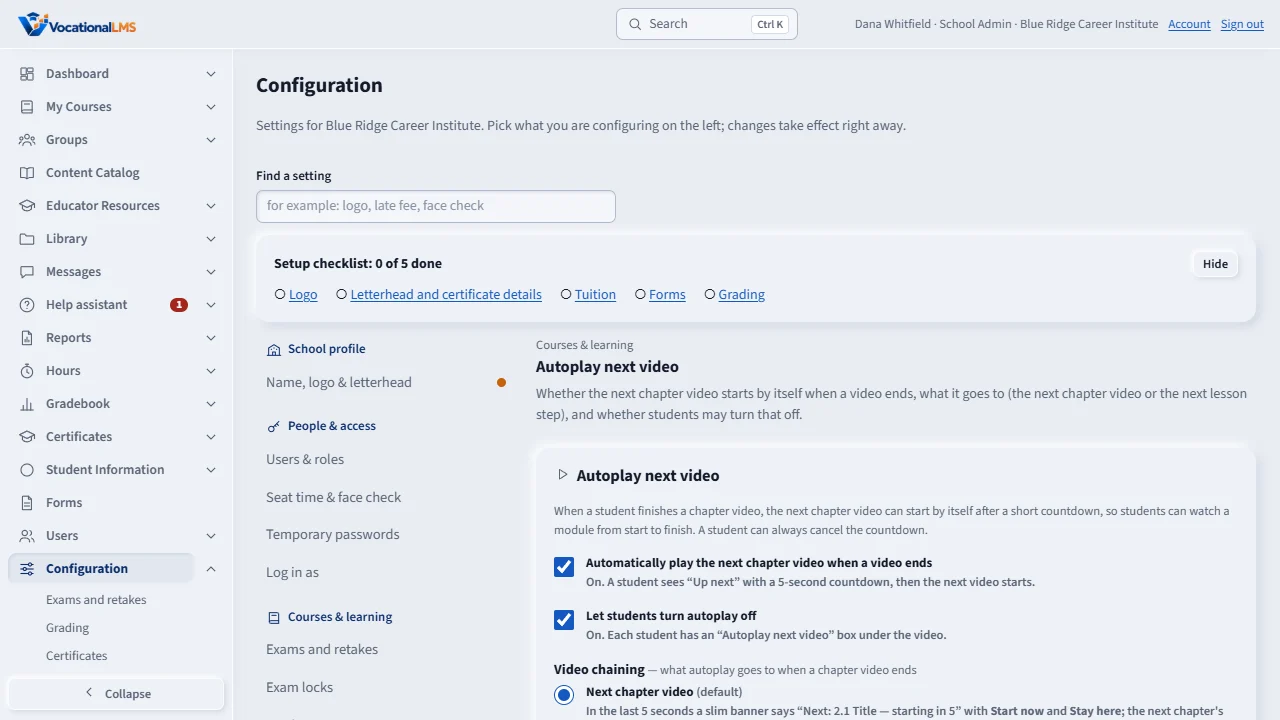
Open Configuration, then Courses and learning, then Autoplay next video. Tick Automatically play the next chapter video when a video ends. It is saved at once.
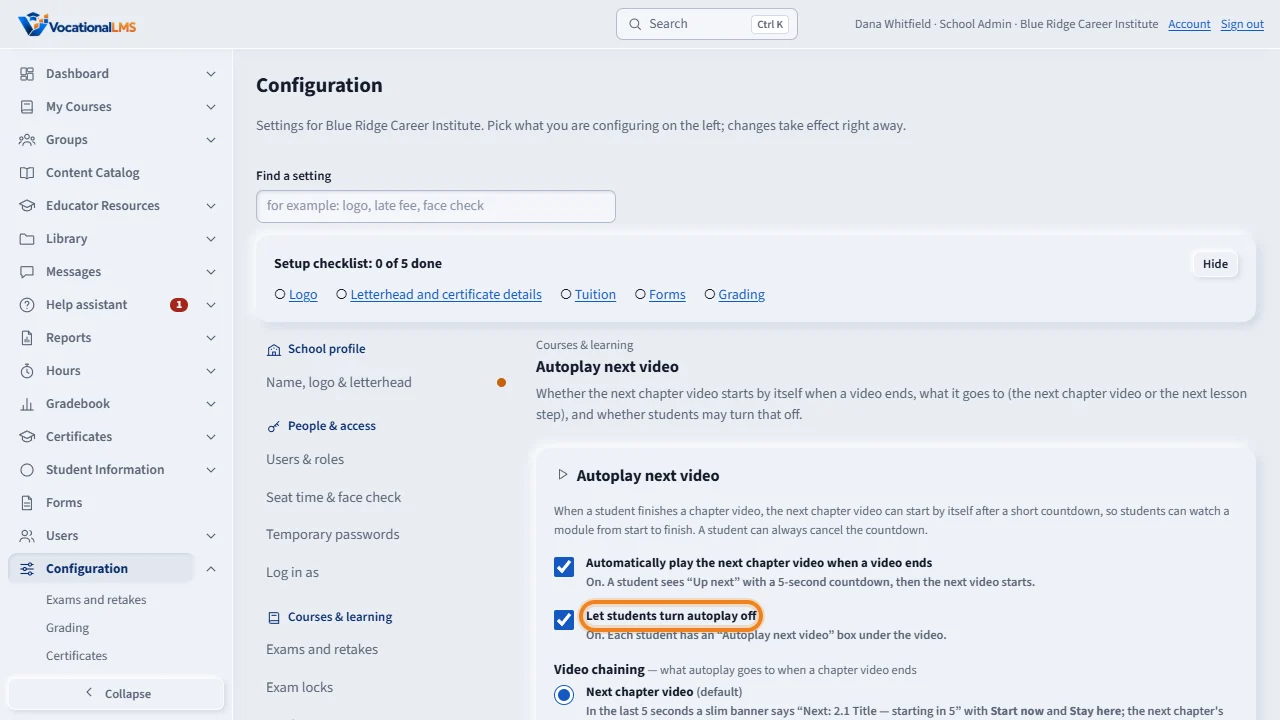
Tick Let students turn autoplay off if you want each student to have their own switch under the video.
Under Video chaining choose Next chapter video, the usual setting, or Next lesson step, where the card at the end of a video offers the lesson's own quiz or reading first.
The page shows who changed the setting last and when. Students see the change the next time they open a lesson.
Open this in VocationalLMSConfiguration > Courses & learning > Autoplay next video
Who can do this: The School Admin changes the two switches. A Director or auditor can look at them but not change them.
What it is for
By default a student's next chapter video starts by itself 5 seconds after a video ends (the student can cancel). You can turn this off for your school, and you can stop students from turning it off for themselves. It never starts a quiz, test or exam and never opens a locked module.
Steps
Change the setting
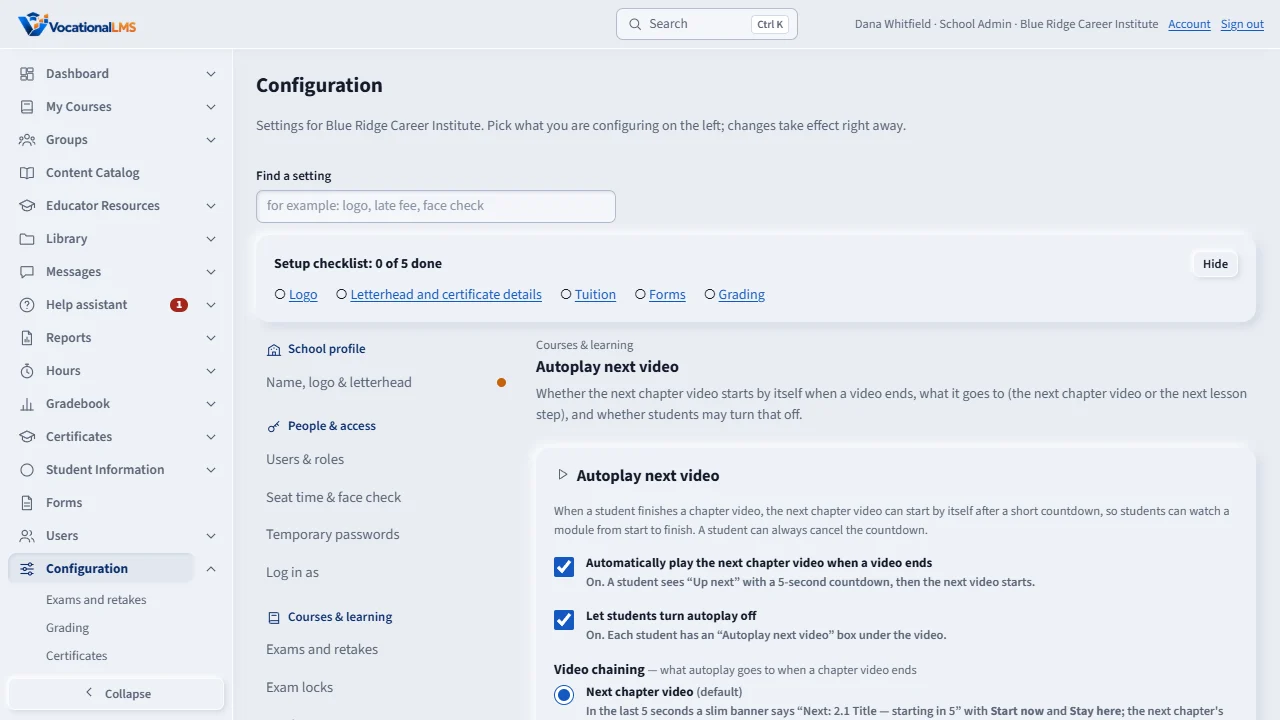
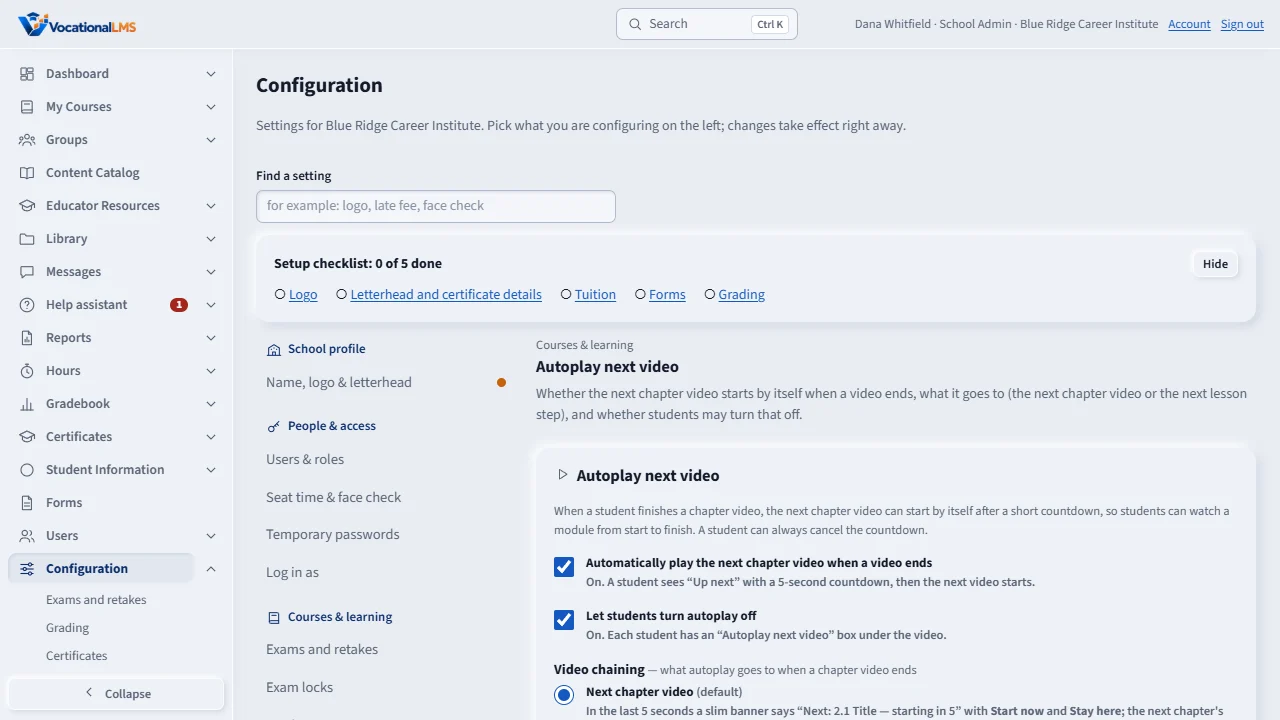
- Open Configuration, then Courses & learning, then Autoplay next video.
- Tick or untick Automatically play the next chapter video when a video ends. It is saved at once.
- Tick or untick Let students turn autoplay off. When ticked, each student has an Autoplay next video box under the video.
What happens next
The page shows who changed each switch last and when. Students see the change the next time they open a lesson.
Common problems
| # | Problem | What to do |
|---|---|---|
| 1 | Students say the next video did not start. | Autoplay starts only a video lesson in an open module. A reading, quiz or test comes with a Start button, and Module order (A-26) still locks modules. |