
V-09For the VocationalLMS Super Admin
Chapter items, AI readings and vocabulary flashcards
Readings, documents, knowledge checks, discussions and flashcards, by hand or written by AI.
How-to video V-09 · 1:04
Read the words of this video
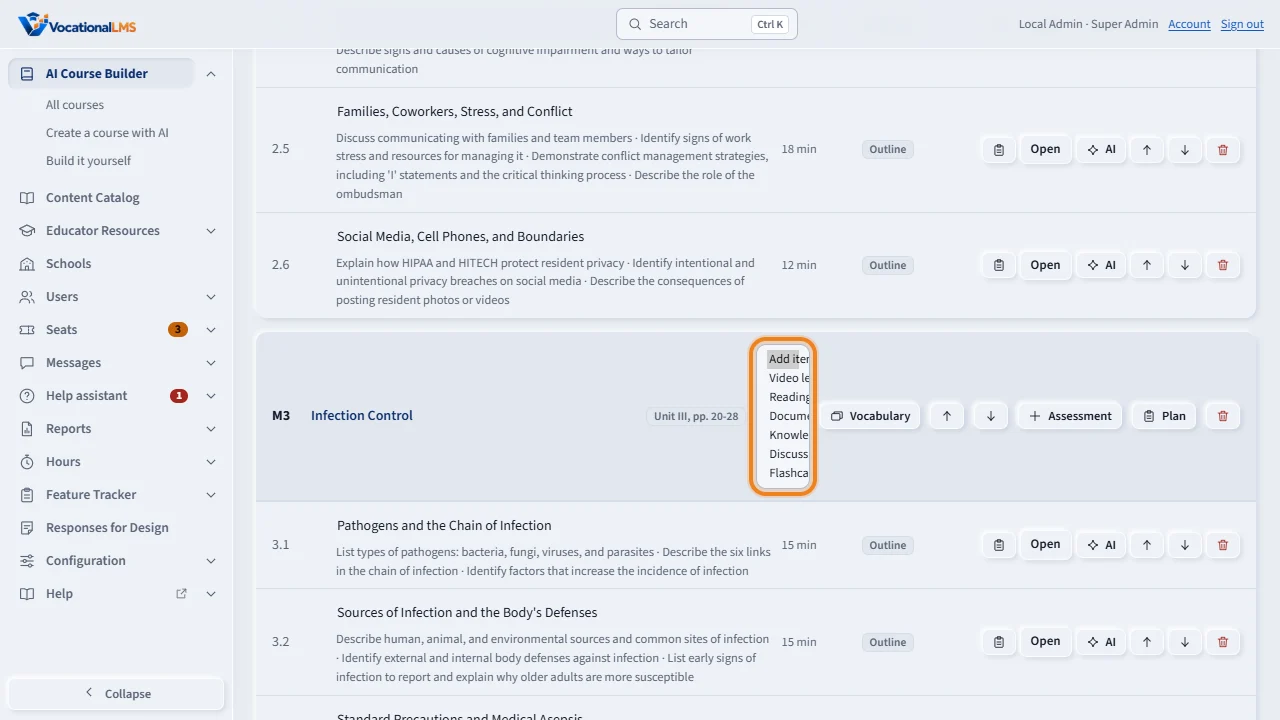
Besides video lessons, a chapter holds other items in the order students take them. On the course page, open Add item on a chapter, and choose a reading, a document, a knowledge check, a discussion or flashcards.
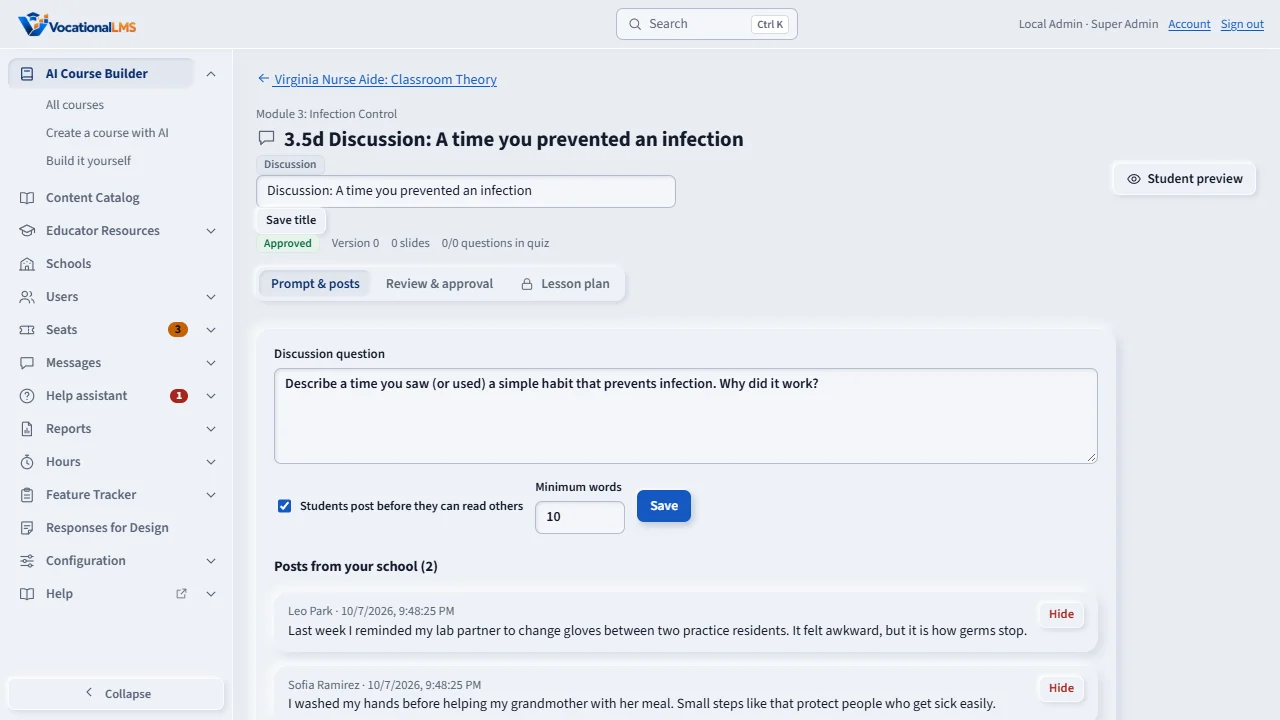
The item opens for you to fill in. A discussion has its question, the rule that students post first, and a minimum number of words. A document item takes files up to fifty megabytes, and you choose whether students may download them.
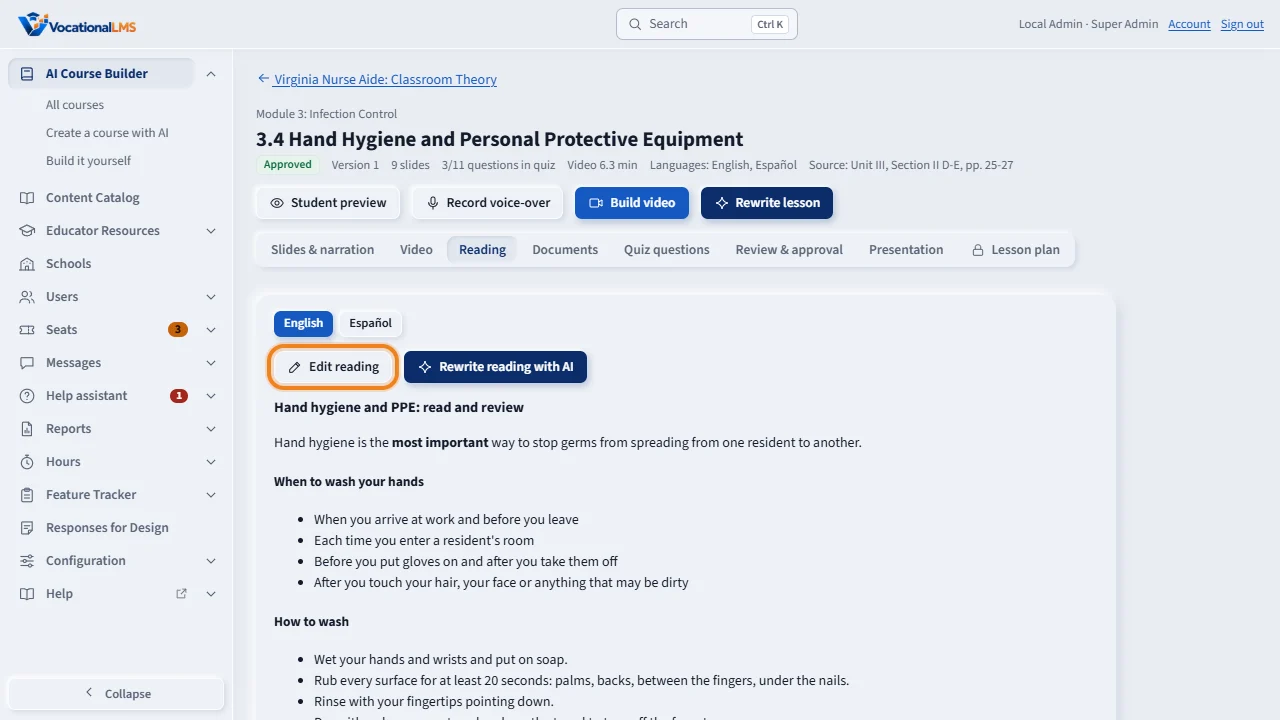
A video lesson has its own reading. Edit reading lets you write it. Write reading with AI writes it from the lesson's own slides and the course source, with the lesson's key terms. Write readings, on the course page, does this for every lesson.
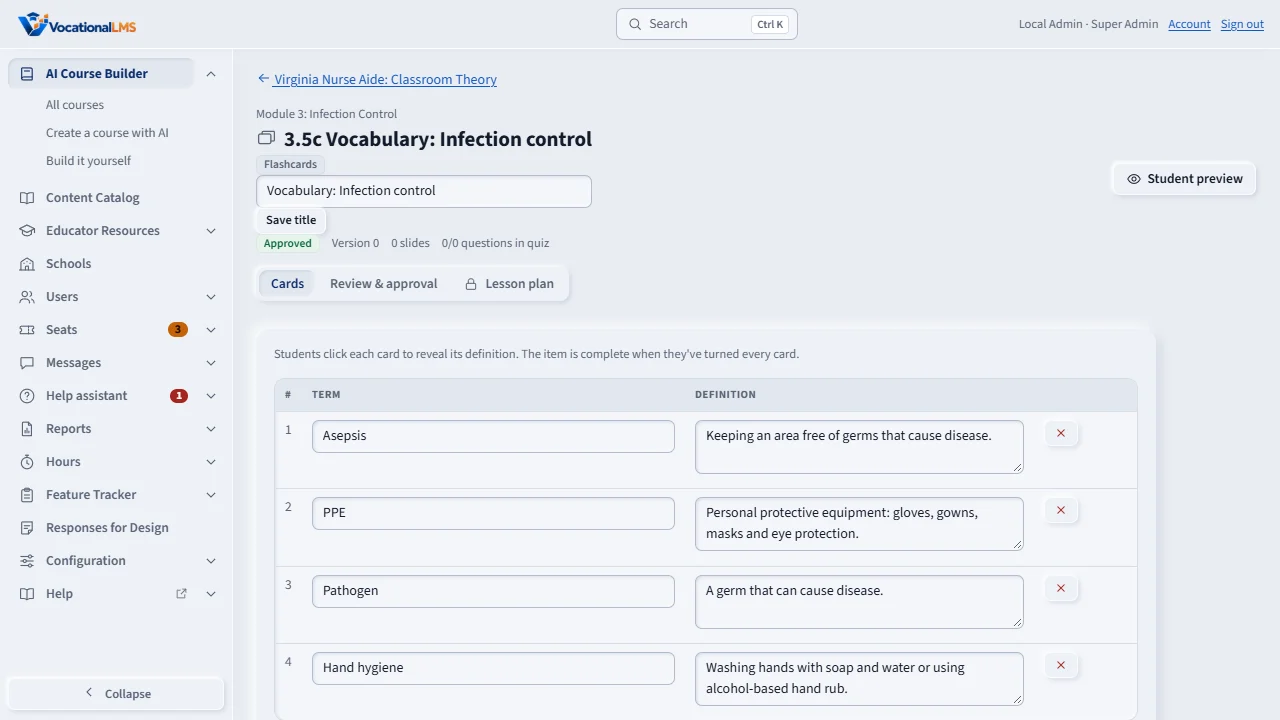
Vocabulary, on a chapter, turns the key terms of its lessons into a flashcards item. Every item counts seat time, and students see it only after it is sent for review and approved.
Open this in VocationalLMSAI Course Builder > a course
What it is for
Besides video lessons, a chapter holds items in the order students take them: Reading, Document, Knowledge check, Discussion and Flashcards. Every item counts seat time and is seen by students only after approval.
Steps
- On the course page, open Add item… on a chapter and choose the kind.
- Fill the item in: the reading (Markdown), documents (up to 50 MB each; tick Students may download or leave view only), the questions, the discussion question with post first and minimum words, or the cards.
- For AI readings, use Write readings on the course page, or Write reading with AI on a video lesson's Reading tab. Each reading comes with the lesson's key terms.
- Click Vocabulary on a chapter to turn its key terms into a Flashcards item.
- Send each item for review and approve it.
What happens next
Readings are written only from the lesson's own slides and the course source, never from outside material. Students complete a reading with Mark as done, a document by opening it, a knowledge check by passing, a discussion by posting, and flashcards by turning every card.
Common problems
| # | Problem | What to do |
|---|---|---|
| 1 | A Reading item shows “No reading yet” in the Studio. | Open Student preview to read it. The text is there for students. |
| 2 | A document should not be copied. | Leave Students may download unticked; it then opens in the page only. |