
S-50For students
Flashcards: flip, Got it or Review again, print a card sheet
A Flashcards item shows one card at a time: the term on the front, the answer and a short 'why' on the back. Mark each card Got it or Review again, use the keyboard, and print or download a sheet of real cards.
How-to video S-50 · 0:34
Read the words of this video
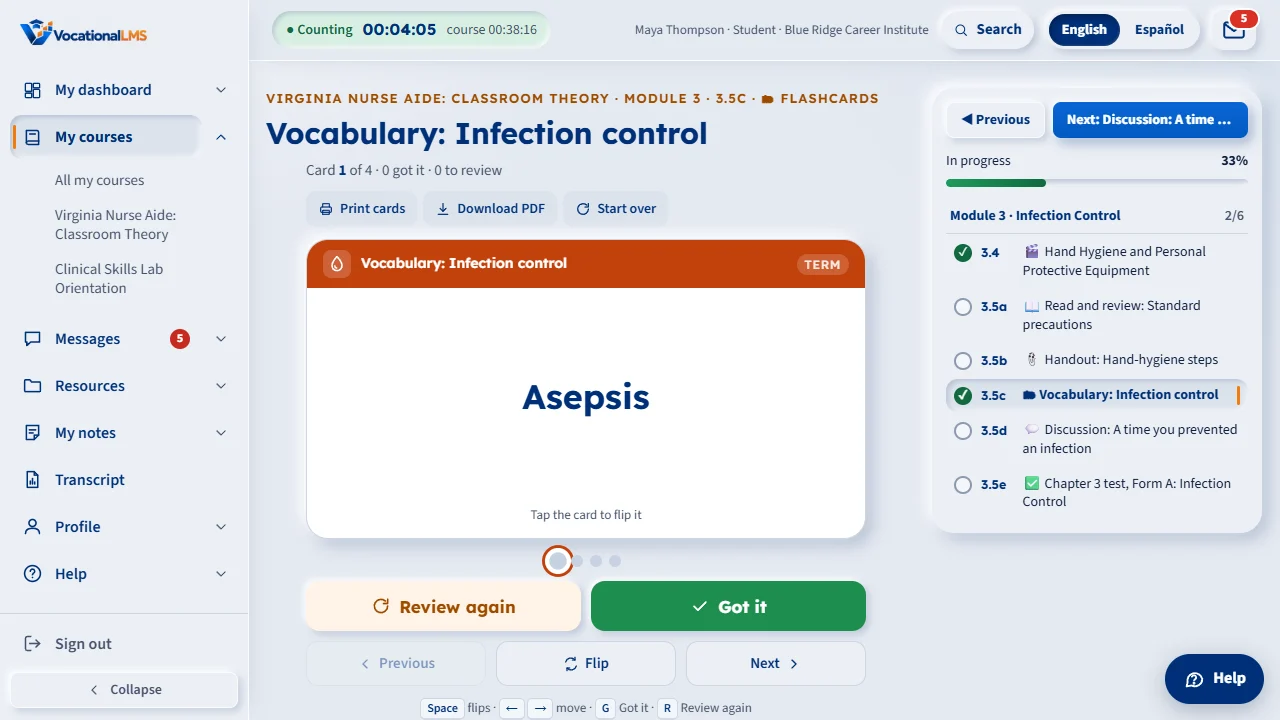
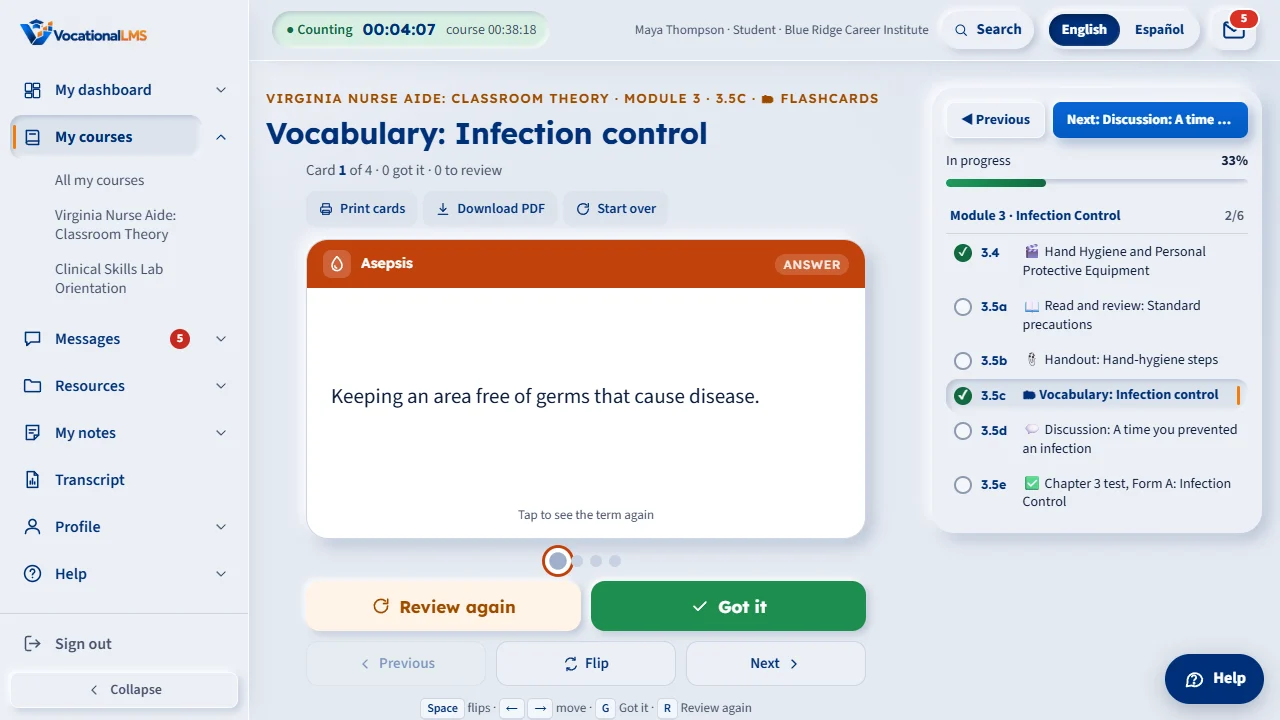
Each flashcard shows a term on the front. Tap the card or press Space, and it turns over to the answer and a short line on why it matters.
Click Got it if you knew it, and the card leaves this round. Click Review again if you did not, and it comes back a few cards later.
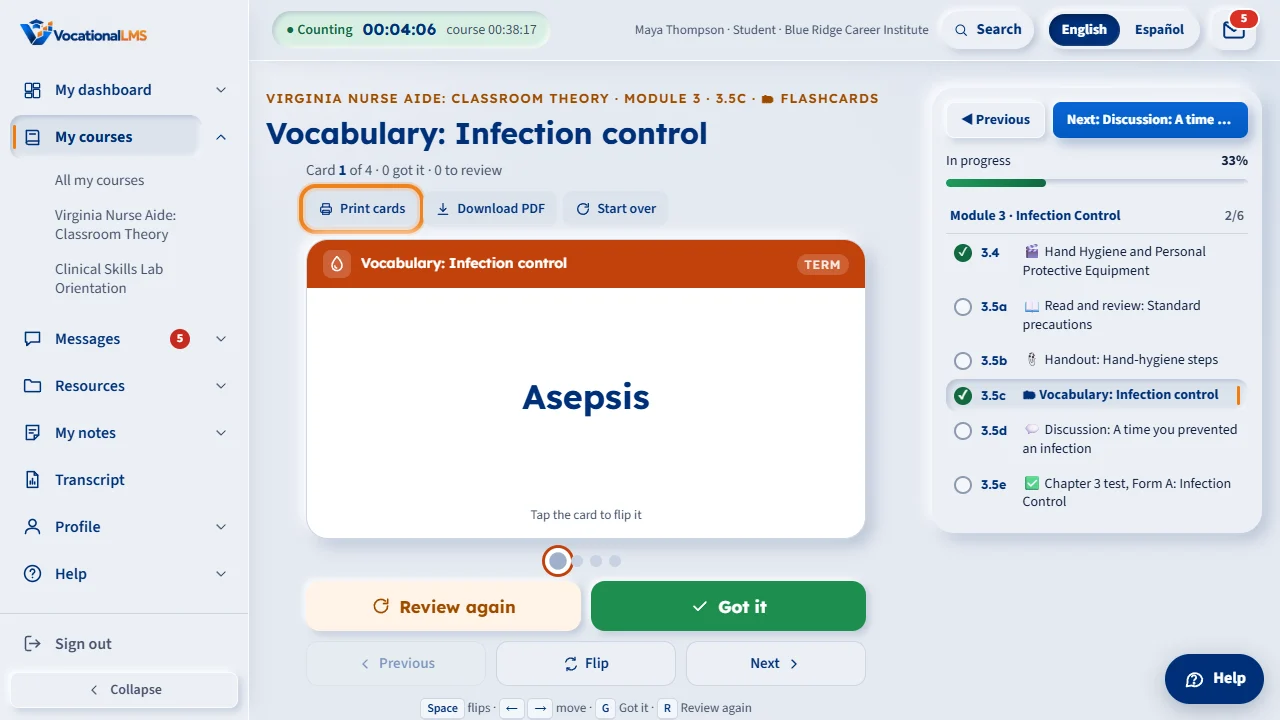
Print cards opens letter-size sheets of eight cards, fronts on one page and backs on the next, lined up for two-sided printing.
Open this in VocationalLMSA chapter > Flashcards
What it is for
Each card has a colored band with the chapter's icon and the item's name. The front holds the term; tap it (or press Space) and it turns over to the answer, a one-line Why it matters and sometimes a small picture. The dots under the card are the deck: the big one is where you are, green means Got it, orange means Review again.
Steps
Study
- Read the term, say the answer to yourself, then tap the card or press Space to check.
- Click Got it (or press G) when you knew it: the card leaves this round. Click Review again (or R) when you did not: the card comes back a few cards later.
- Previous and Next (or the arrow keys) move without marking; click a dot to jump to that card. At the end of the round you can go through the Review again cards once more or Start over.
- Click Print cards: a new tab shows letter-size sheets of eight cards, fronts on one page and the backs on the next, lined up for two-sided printing (flip on the long edge). Cut along the dashed lines.
- Click Download PDF to save the same sheets as a PDF.
What happens next
The item is marked complete once you have turned over or marked every card. Your Got it and Review again marks are remembered on this device, so you continue where you left off next time.
Common problems
| # | Problem | What to do |
|---|---|---|
| 1 | The card does not turn. | Click on the card itself, or press Space or Enter while nothing else on the page is selected. |
| 2 | The PDF takes a moment the first time. | The server draws it the first time it is asked for; after that it opens at once. |
| 3 | My marks are gone. | They live in this browser. Another device, a private window or cleared site data starts fresh; the item stays complete. |