
S-40For students
Complete and sign a form from your school
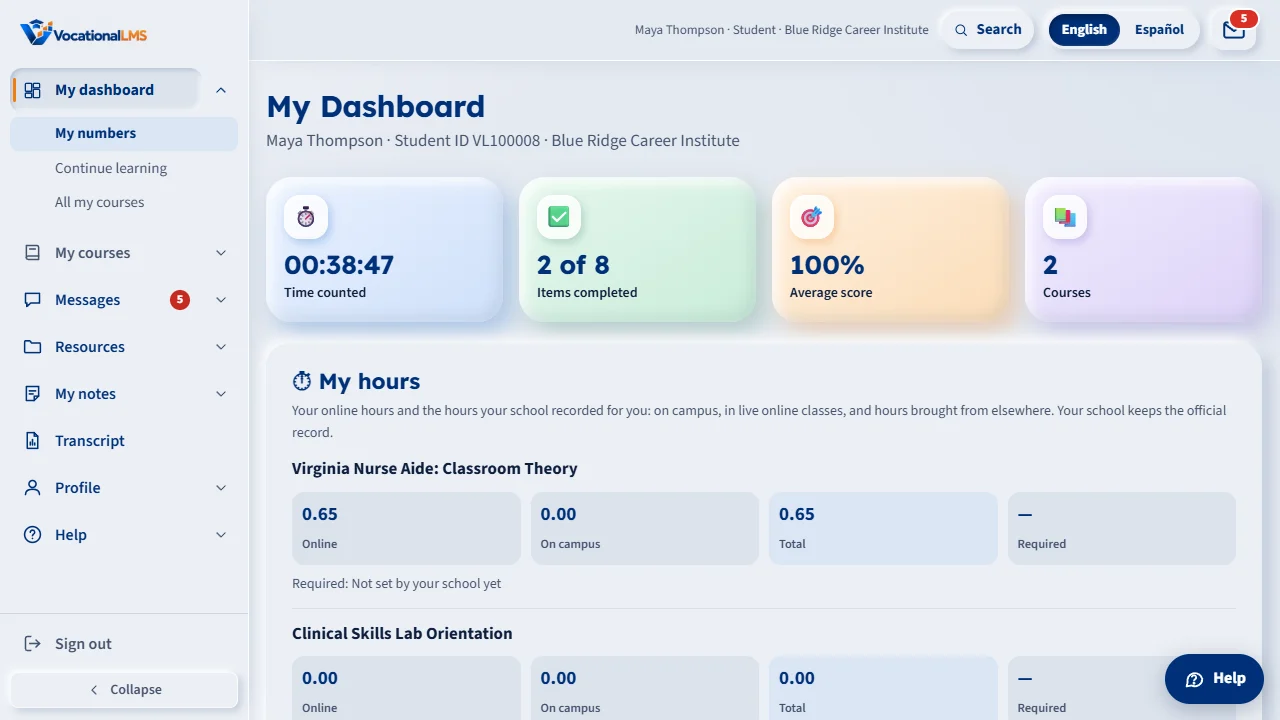
Open the link in your email, or use Forms to complete on My dashboard. Read, agree to sign electronically, fill in, sign and download your copy.
How-to video S-40 · 0:32
Read the words of this video
Your school may send you a form to sign, like an enrollment agreement. You get an e-mail with a link, and the same form is under Forms to complete on My dashboard.
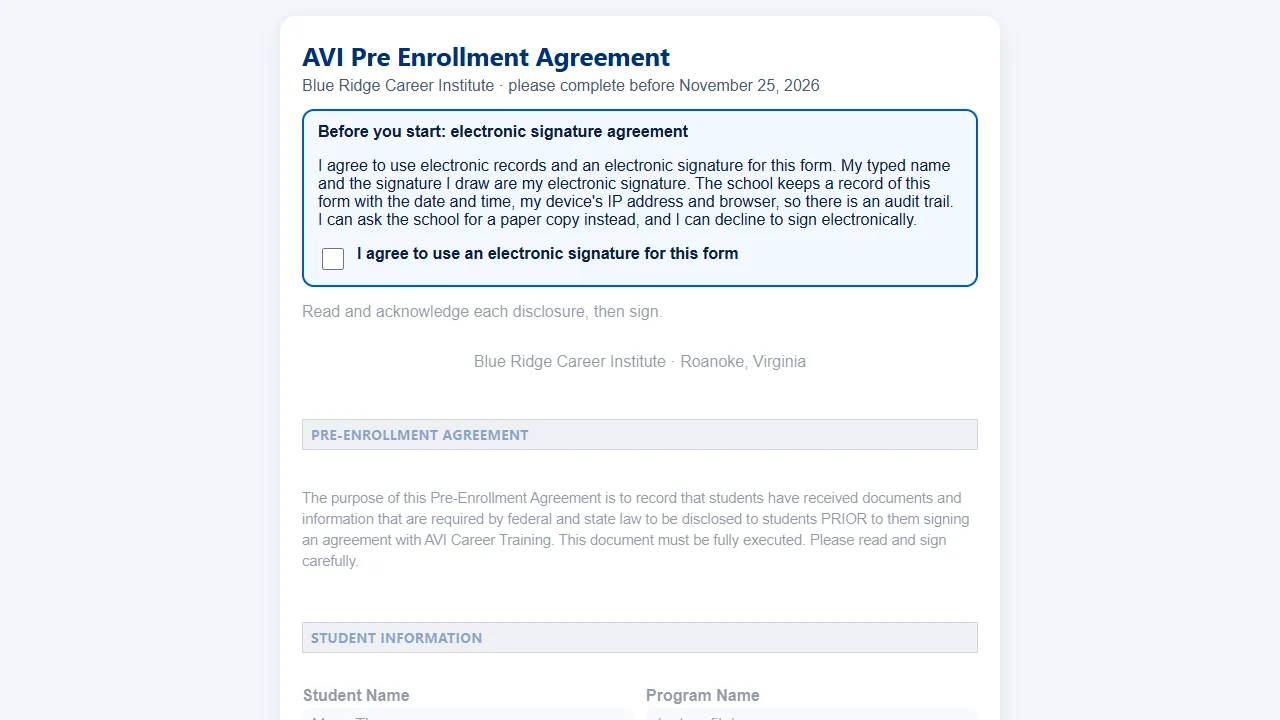
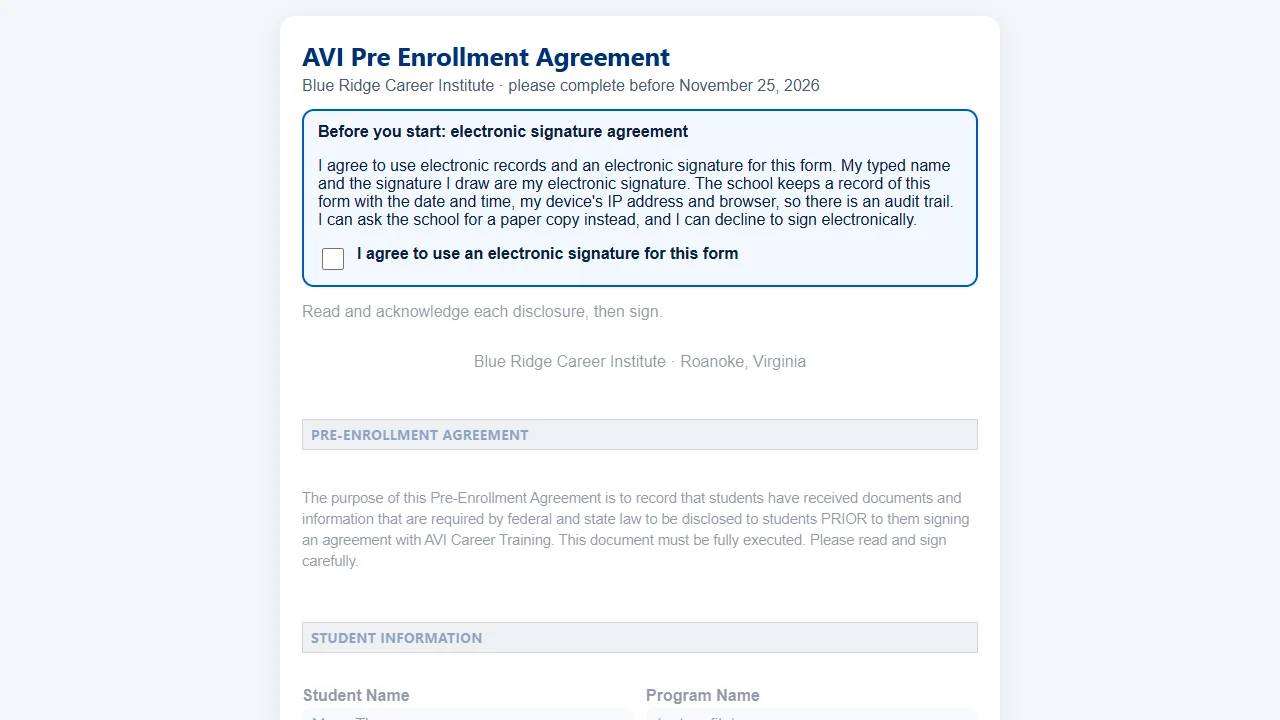
Read the electronic signature agreement and tick the box. Fill in the questions, type your name, and draw your signature in the box with your mouse or finger.
Click Sign and submit. If you cannot sign, click Decline and tell the school why.
Open this in VocationalLMSMy dashboard > Forms to complete
What it is for
Your school may send you forms to complete, such as an enrollment agreement. You get an email with a link, and the same form is under Forms to complete on My dashboard. Signing is an electronic signature with an audit trail.
Steps
Sign a form
- Open the link in the email, or click Complete and sign on My dashboard.
- Read the electronic signature agreement and tick the box. The form opens after you do.
- Fill in the questions. Type your name where a signature is asked, then draw your signature in the box with your mouse, pen or finger. Clear starts the drawing again.
- Some forms have more than one date or a table (for example emergency contacts): the date you sign is already filled in and you can change it. Add a row with Add a row. Some questions appear only after an earlier answer.
- Click Sign and submit. To refuse, click Decline and tell the school why.
What happens next
Some forms are also signed by the school after you. Until then the form says waiting for the school. Your signed copy appears under My signed forms on My dashboard. Click Download my copy for the PDF. The school keeps its copy.
Common problems
| # | Problem | What to do |
|---|---|---|
| 1 | The link says it is not valid. | Links work once and expire after about two weeks. Ask your school office to send the form again. |
| 2 | I cannot sign on my phone. | Draw with your finger in the box. If the page scrolls, try turning the phone sideways. |