
A-101For School Admins and Directors
See a student's attendance, attendance history report and class schedule
Day-by-day attendance for one student from the class schedule, hours records and clock-ins; print the Attendance History Report as a PDF; see the student's groups and weekly class times.
How-to video A-101 · 0:35
Read the words of this video
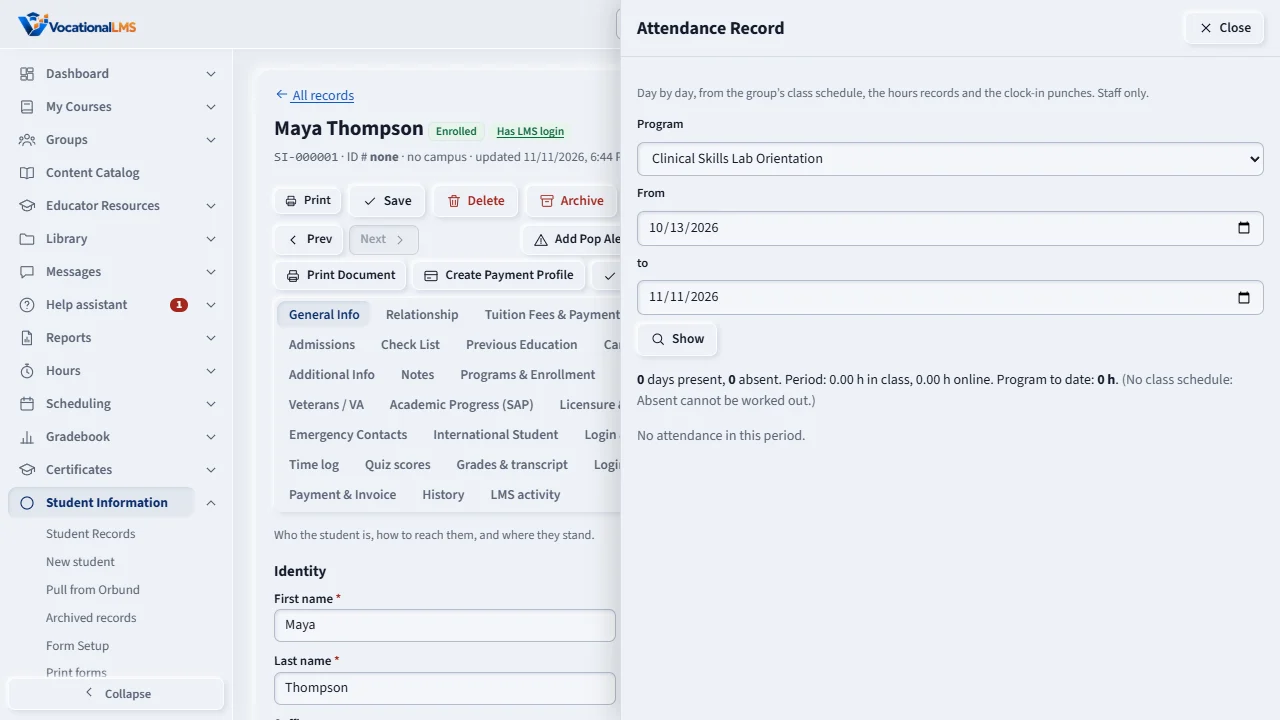
Attendance Record shows one student and one program day by day: scheduled hours, hours in class, hours online, clock-in punches and Present, Absent or No class.
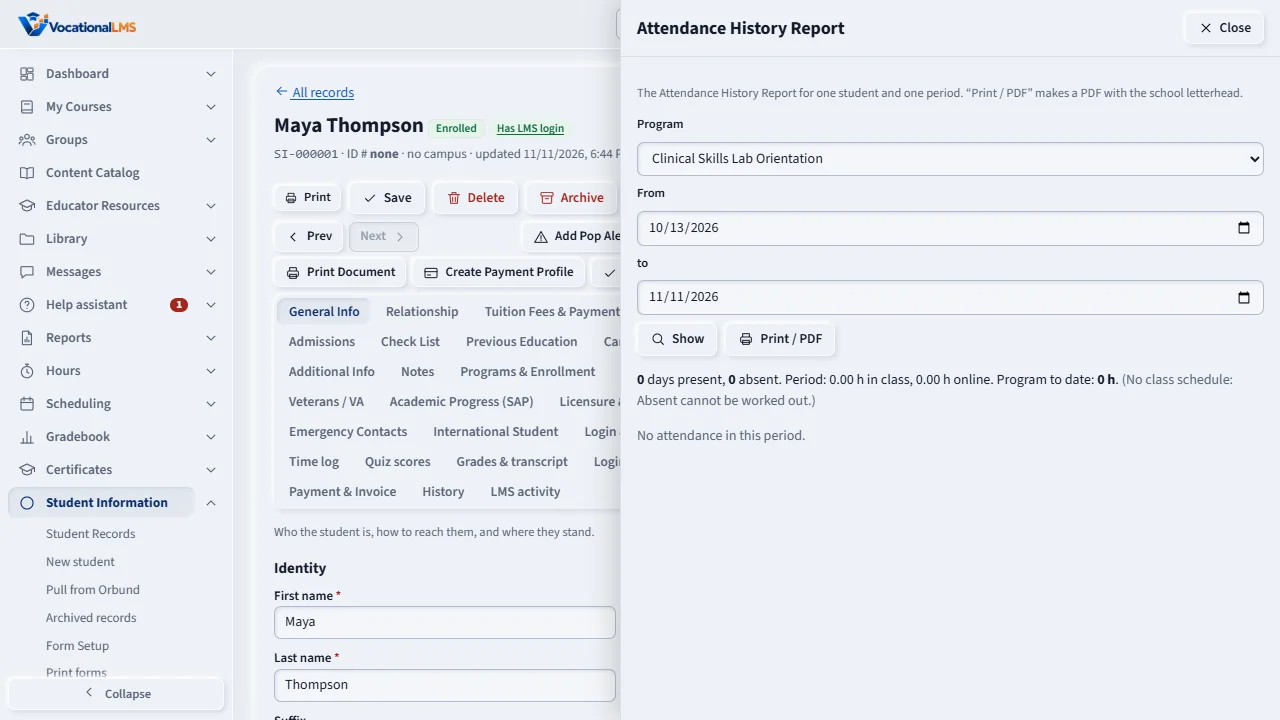
Attendance History Report shows the same for the period you choose. Press Print or PDF to get it with your letterhead.
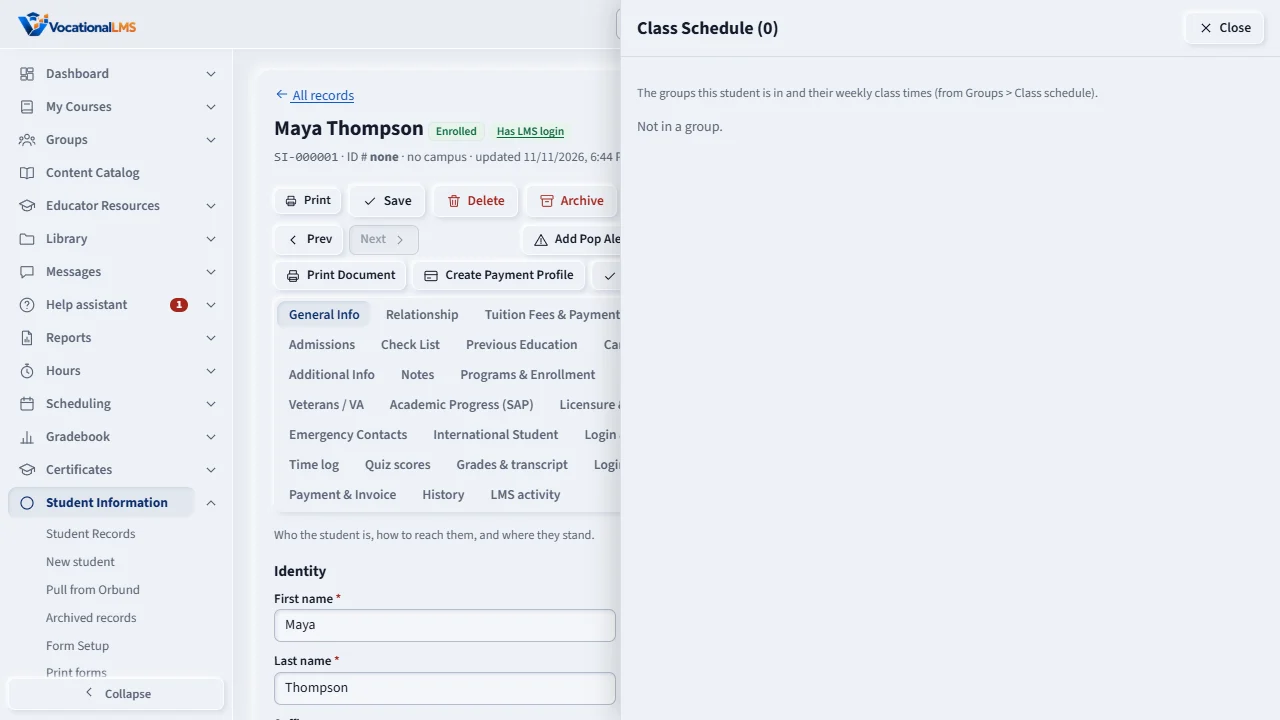
Class Schedule lists the student's groups, weekly class times and instructors. Change a group's times under Groups.
Open this in VocationalLMSStudent Information > Missing documents
Who can do this: A School Admin or Director can look and print. The student sees their own attendance and schedule only if you switch those on (A-102).
What it is for
Attendance Record shows one student and one program, day by day: the hours scheduled for the day (from the group's class schedule), the hours in class, the hours online, the clock-in punches and a status of Present, Absent or No class. The totals are the same as the Total hours report. Attendance History Report shows the same for a period you choose and prints as a PDF with your school's letterhead. Class Schedule lists the student's groups, weekly class times, instructors and the days without class that are still ahead.
Steps
Attendance
- Open Attendance Record. Choose the program and the dates (the last 30 days to start), then Show.
- A day is Absent when class was scheduled and no hours or punches exist. Without a class schedule for the group, Absent cannot be worked out.
Print the report
- Open Attendance History Report, choose the program and period, Show, then Print / PDF. The PDF opens in a new tab.
Class schedule
- Open Class Schedule. Change a group's times under Groups.
What happens next
Each PDF you make is a line in the record's Activity Logs.
Common problems
| # | Problem | What to do |
|---|---|---|
| 1 | Everything says no login. | Attendance comes from the student's login. Create it on the Login & Access tab. |
| 2 | The days do not match what I entered. | Voided hours are left out. Check the Hours page for the student. |