
V-18For the VocationalLMS Super Admin
The Feature Tracker and System Design
The whole plan in 17 parts, every feature with its status, and the research behind it.
How-to video V-18 · 0:54
Read the words of this video
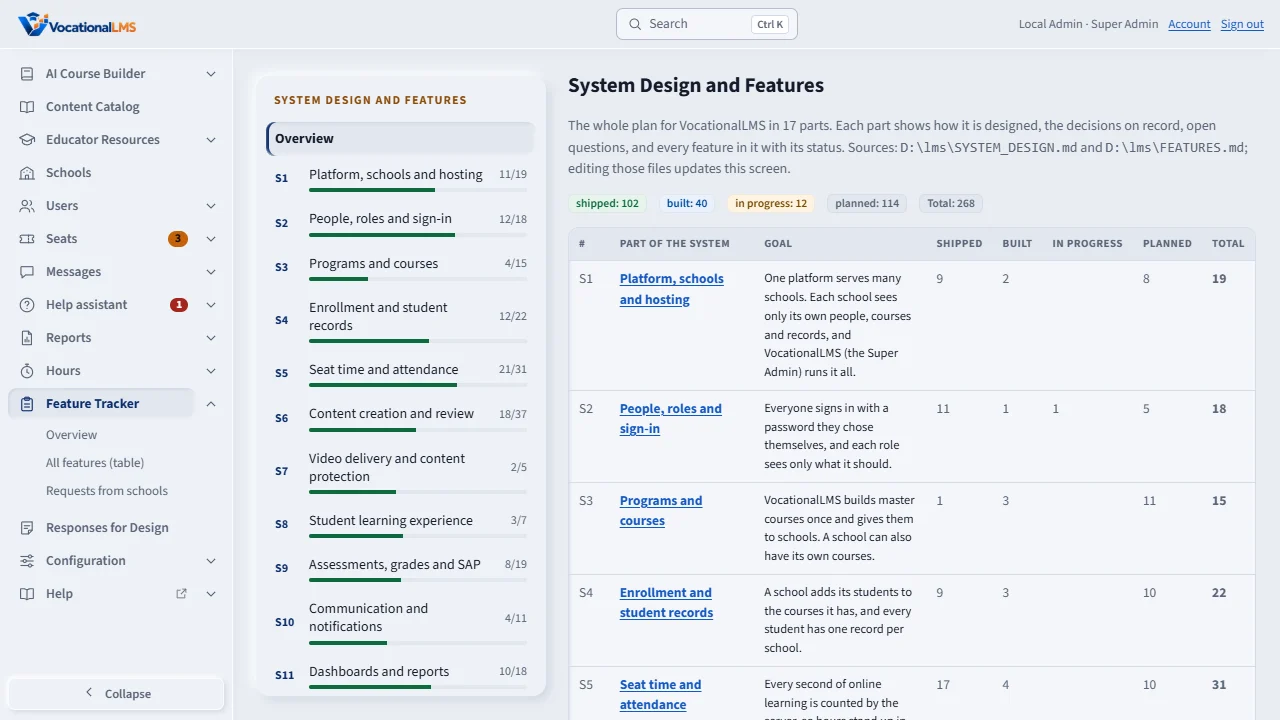
The Feature Tracker shows the whole plan for VocationalLMS. It opens on an overview of seventeen parts of the system, each with how many of its features are done.
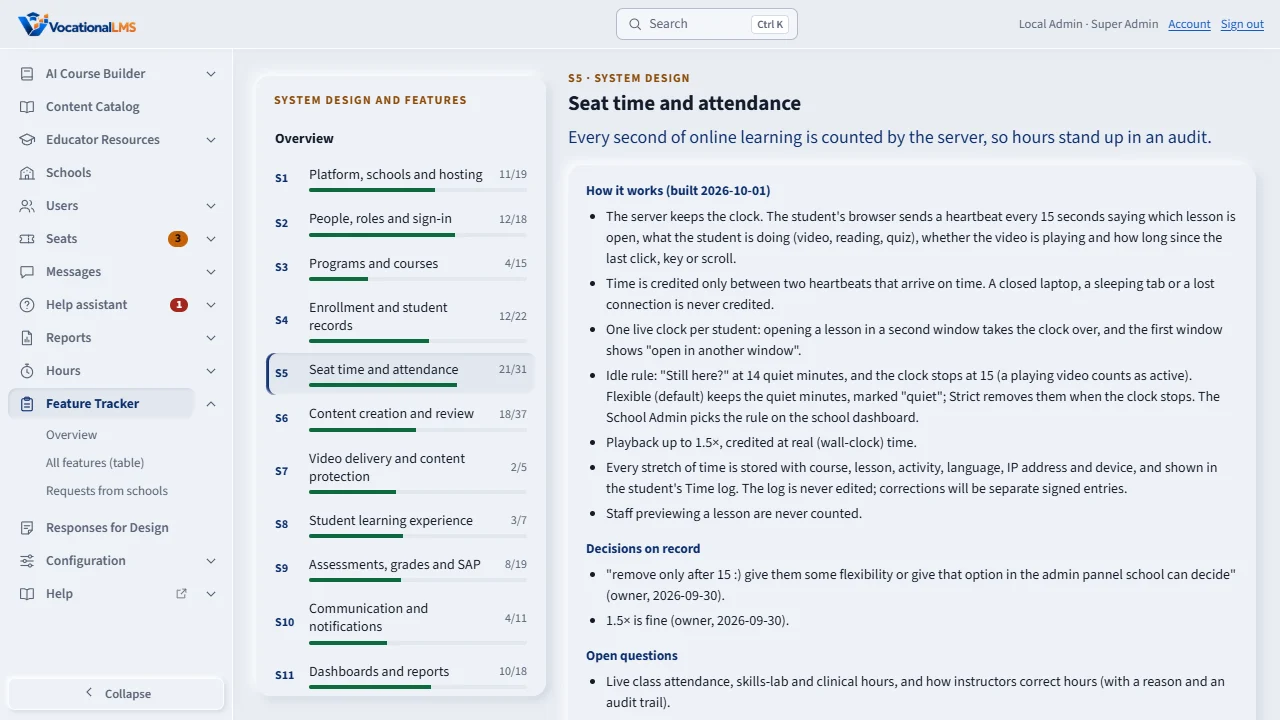
Click a part in the left menu, for example Seat time and attendance. You read how it works, the decisions on record, the open questions, and every feature in that part with its status.
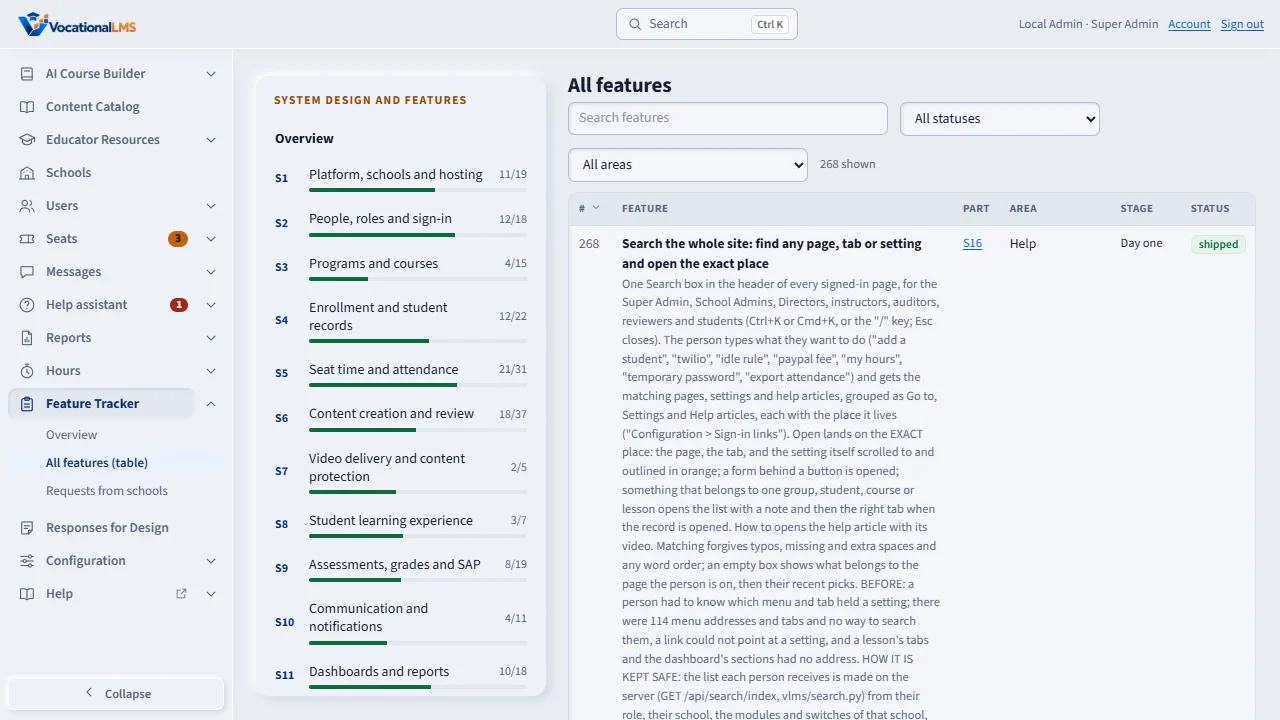
All features is one table you can search, filter by status or area, and sort. Each row has the feature's number, its summary, its status, whether its help article and video are done, when you asked for it, and your own words.
Built means it works on the development machine. Shipped means it is live and tested. In the Help center, the coverage table shows which article and which video cover each developed feature.
Open this in VocationalLMSFeature Tracker > Overview
What it is for
The Feature Tracker shows the system design and every feature: its number, area, stage, status, help and video status, when you asked for it and your own words. It reads the register file FEATURES.md.
Steps
- Click Feature Tracker. It opens on Overview: 17 parts of the system, each with how many of its features are done.
- Click a part in the left menu, for example S5 Seat time and attendance, to read how it works, the decisions on record, open questions, and its features.
- Click All features (table) to search, filter by status or area, and sort by any column.
- Read a feature's row for its summary and the words of the request.
What happens next
Statuses are: planned, in progress, built (works on the development machine), shipped (live and tested) and dropped. Features that came from the review of another school system (CIMA) are listed as their own entries. The Help coverage table shows which article and video cover each developed feature.
Common problems
| # | Problem | What to do |
|---|---|---|
| 1 | A feature is missing. | It is added to FEATURES.md by the developer; the page reads that file. |
| 2 | “Time not recorded” on old entries. | Only the date was kept for early requests. |