
S-43For students
See your graduation progress
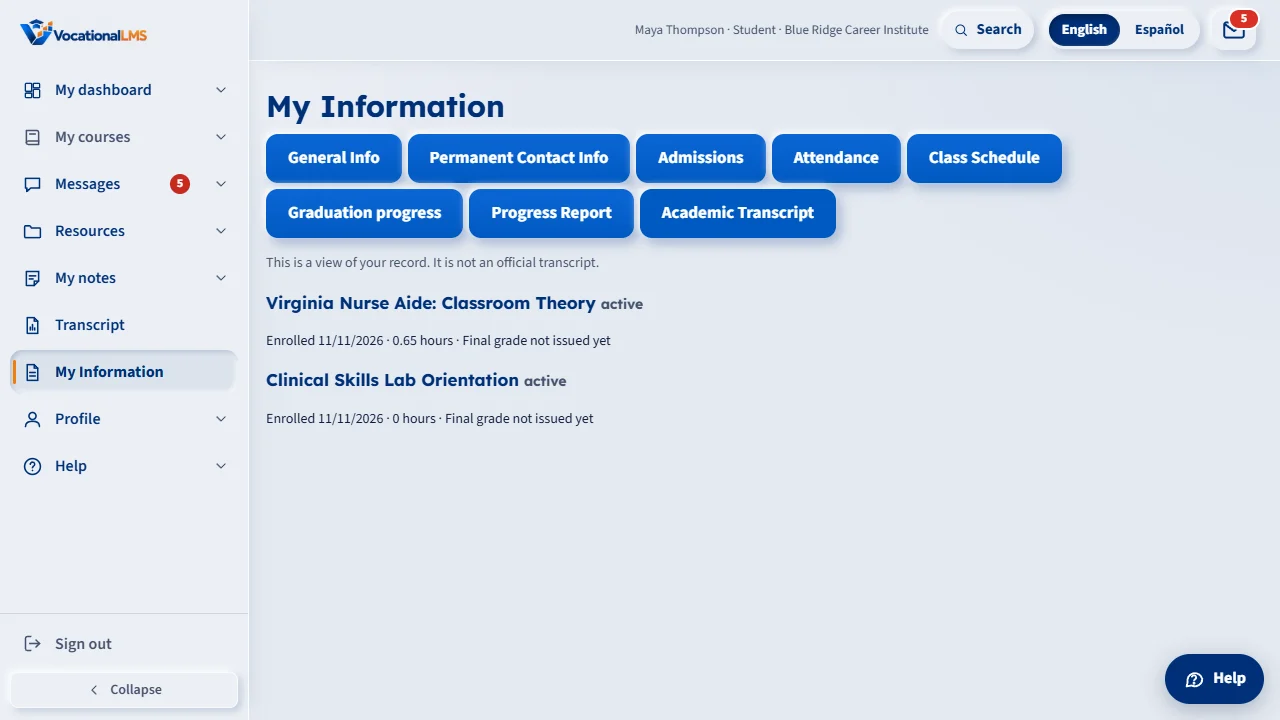
If your school has turned it on, My Information shows, for each of your programs, how much of the hours you have done and which graduation requirements are complete.
How-to video S-42 · 0:27 (the same video as S-42)
Read the words of this video
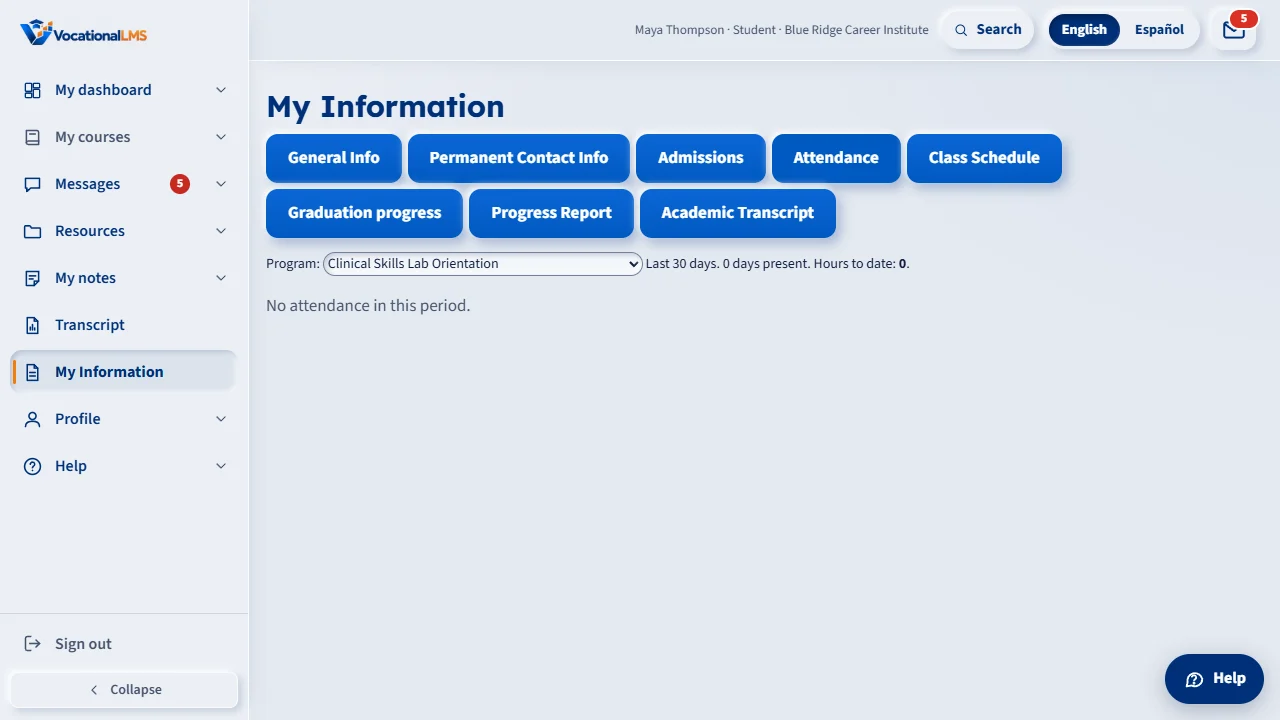
Open My Information. Your school decides which of these you see: Attendance, Class Schedule, Progress Report and Academic Transcript. They are for looking only.
In Attendance, choose a program to see the last thirty days and your hours to date. Graduation progress is a short summary of what is left.
Open this in VocationalLMSMy Information
What it is for
Your school decides whether you see this. It is a short summary for looking only. Your school decides when you have met every requirement.
Steps
Open it
- Sign in and open My Information, then Graduation progress.
What happens next
Ask the school office about anything that says Not yet.
Common problems
| # | Problem | What to do |
|---|---|---|
| 1 | I do not see Graduation progress. | Your school has not turned it on. Ask the school office. |