
A-116For School Admins and Directors
The course page: fold the sections, the Ready label, and where a new module lands
Every supporting section of the course page opens and closes, a course card says Ready when its lessons are complete, and a new module is shown where it was put.
How-to video A-116 · 0:35
Read the words of this video
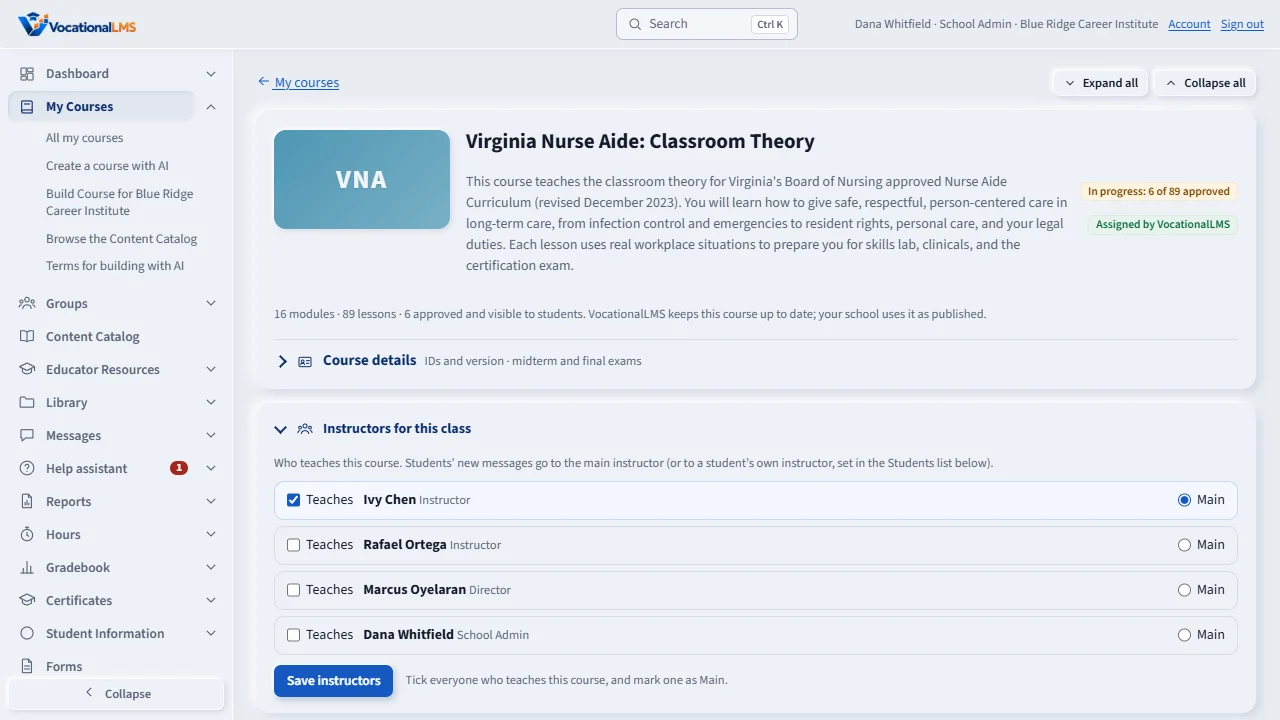
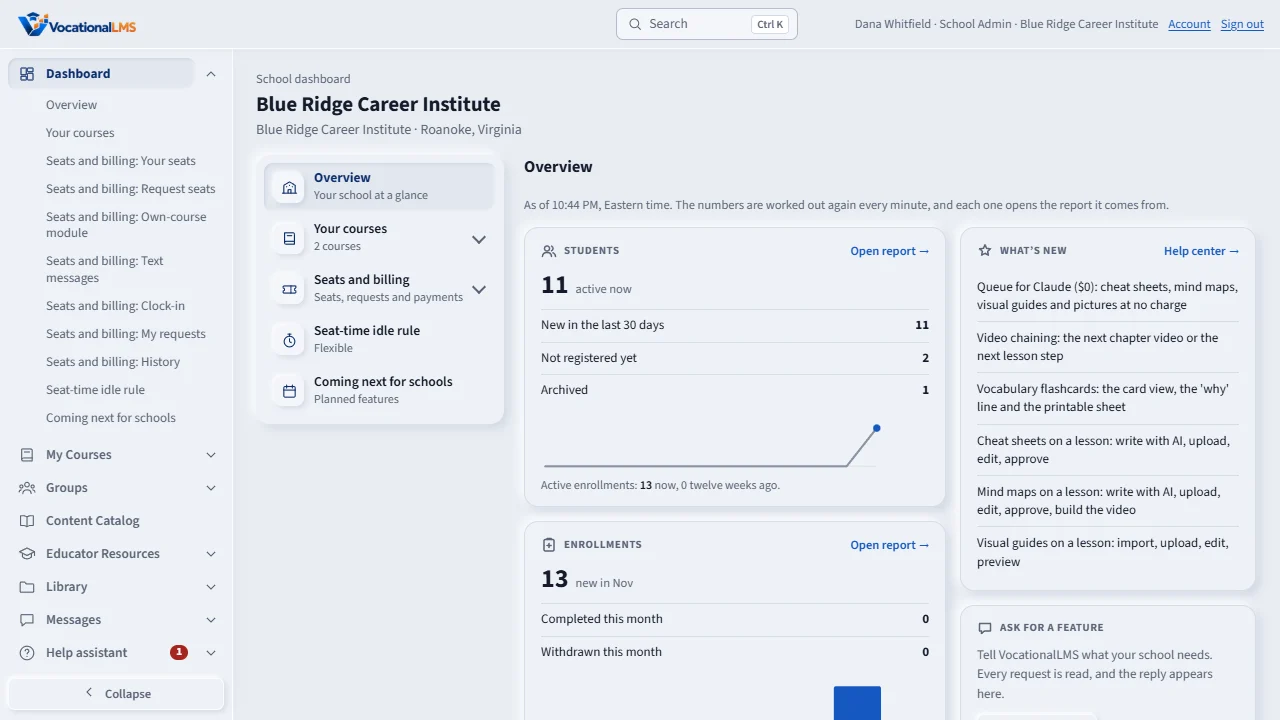
The course page has many sections, like Students, Schools and Activity. Click a heading to close that section, and click again to open it. The page remembers your choice.
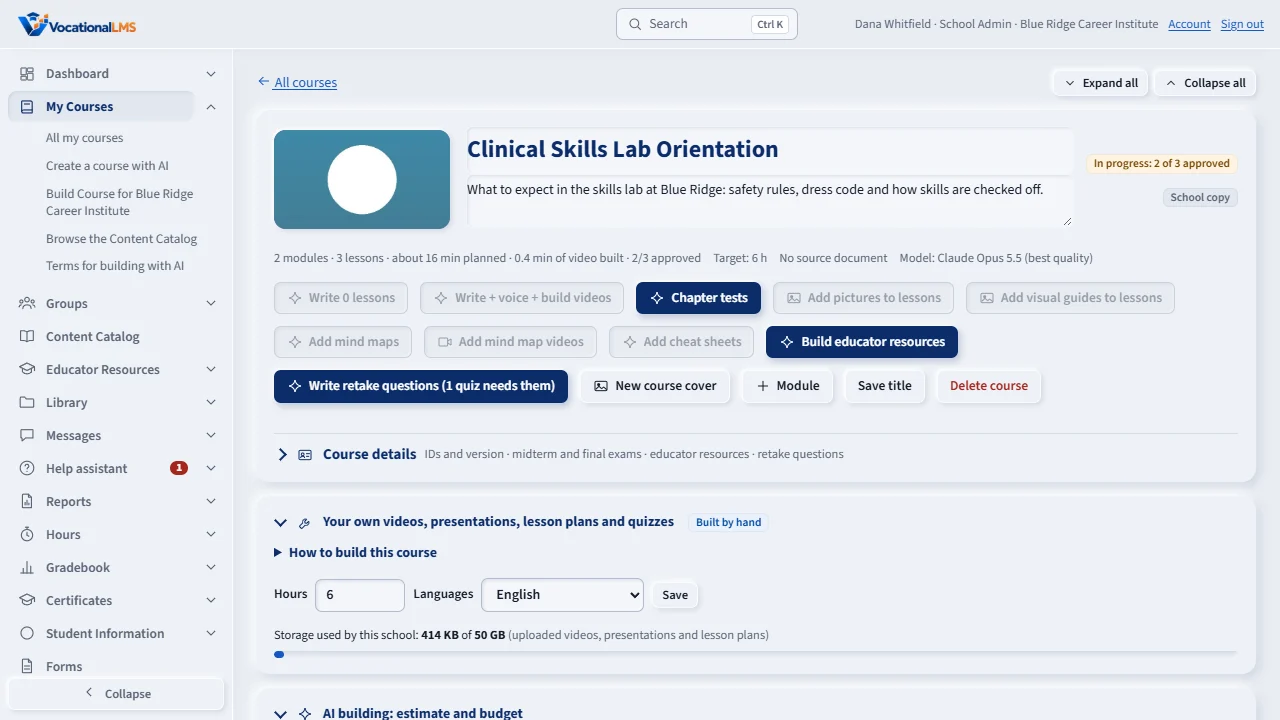
Every course card carries one status label. It says Ready when every lesson is complete, and otherwise it tells you what is still missing.
When you add a module, the page scrolls to it and flashes it, so you can see exactly where it was put.
Open this in VocationalLMSAI Course Builder > a course
What it is for
The course page has many sections (Students, Schools, Activity and more). Each opens and closes with its heading, and the page remembers your choice. Every course card and course page carries one readiness label, worked out from the lessons: Ready appears when every lesson is complete. When you add a module, the page scrolls to it and highlights it, so you see where it went.
Steps
Fold and unfold
- Open a course. Click a section's heading, for example Activity, to close it. Click again to open it. The page remembers this on your computer.
The Ready label
- Look at the status label on a course card or at the top of the course page. It says Ready only when the lessons are complete; otherwise it says what is still missing.
Add a module
- Click Add module and type its name. The page scrolls to the new module and flashes it, so you can see where it was put.
What happens next
Nothing else changes: the same sections, the same buttons.
Common problems
| # | Problem | What to do |
|---|---|---|
| 1 | A section will not stay closed. | The choice is kept in your browser. Another computer or a private window starts with every section open. |